
Exhibit Video Player Apps
Client:
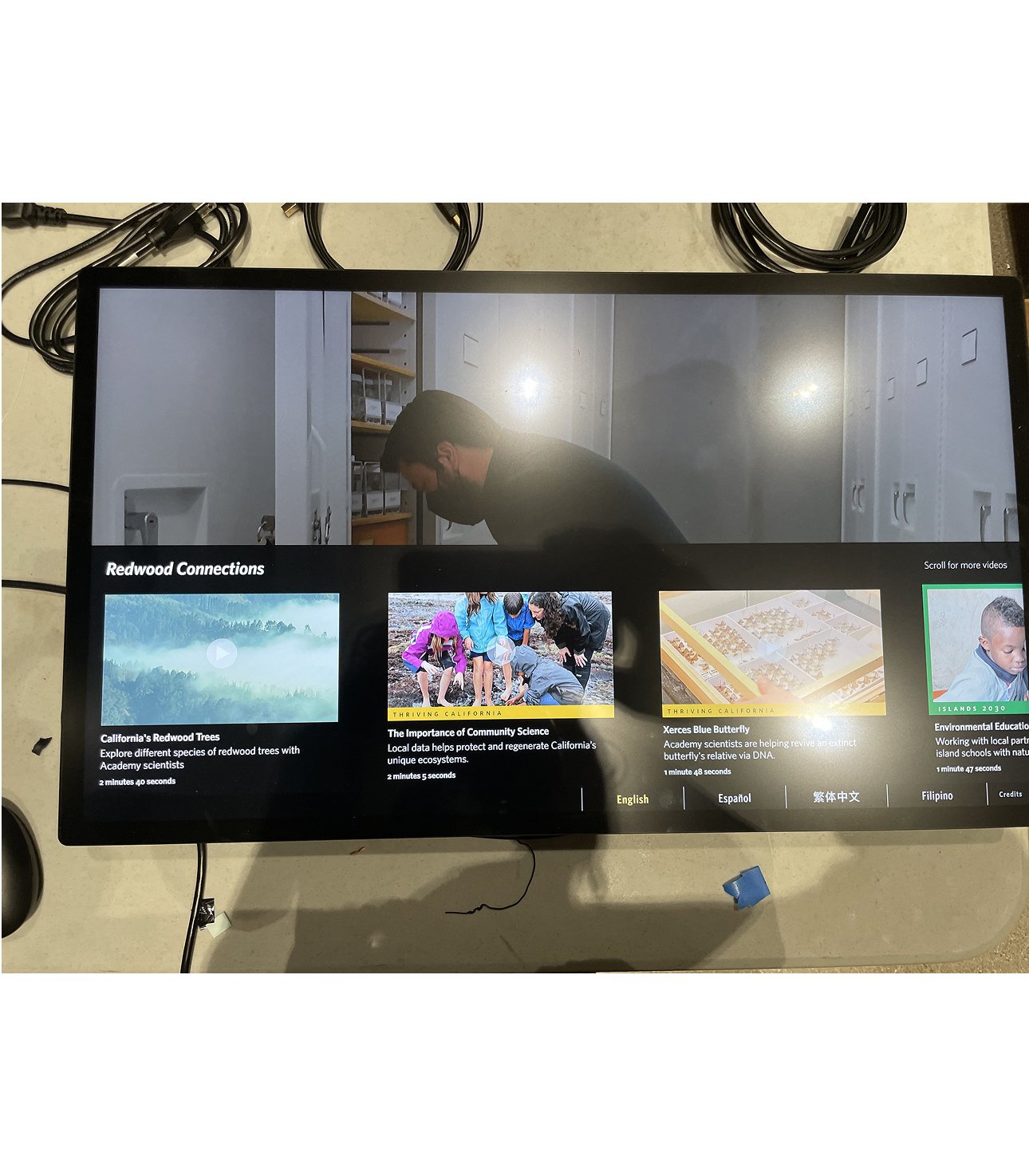
The California Academy of Sciences museum
San Francisco, CA
2019 — 2024
Video content is a crucial part of exhibits. Multiple stories could be told about a subject when a interactive touchscreen video kiosk was included. Over many exhibits this app evolved to include multiple formats of menu pages, and attract screens to align with storytelling needs.
Installed in the California State of Nature exhibit – 2024
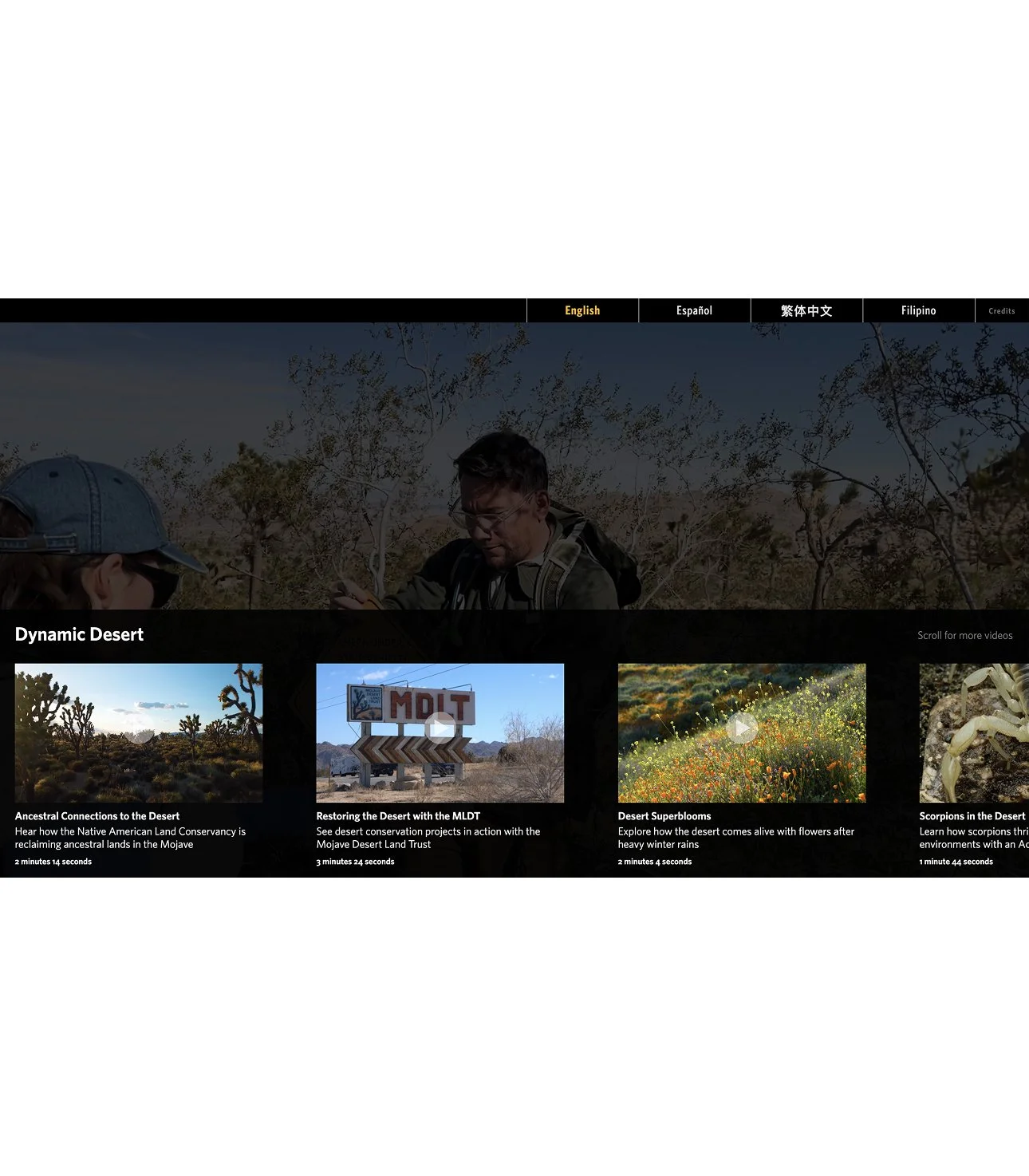
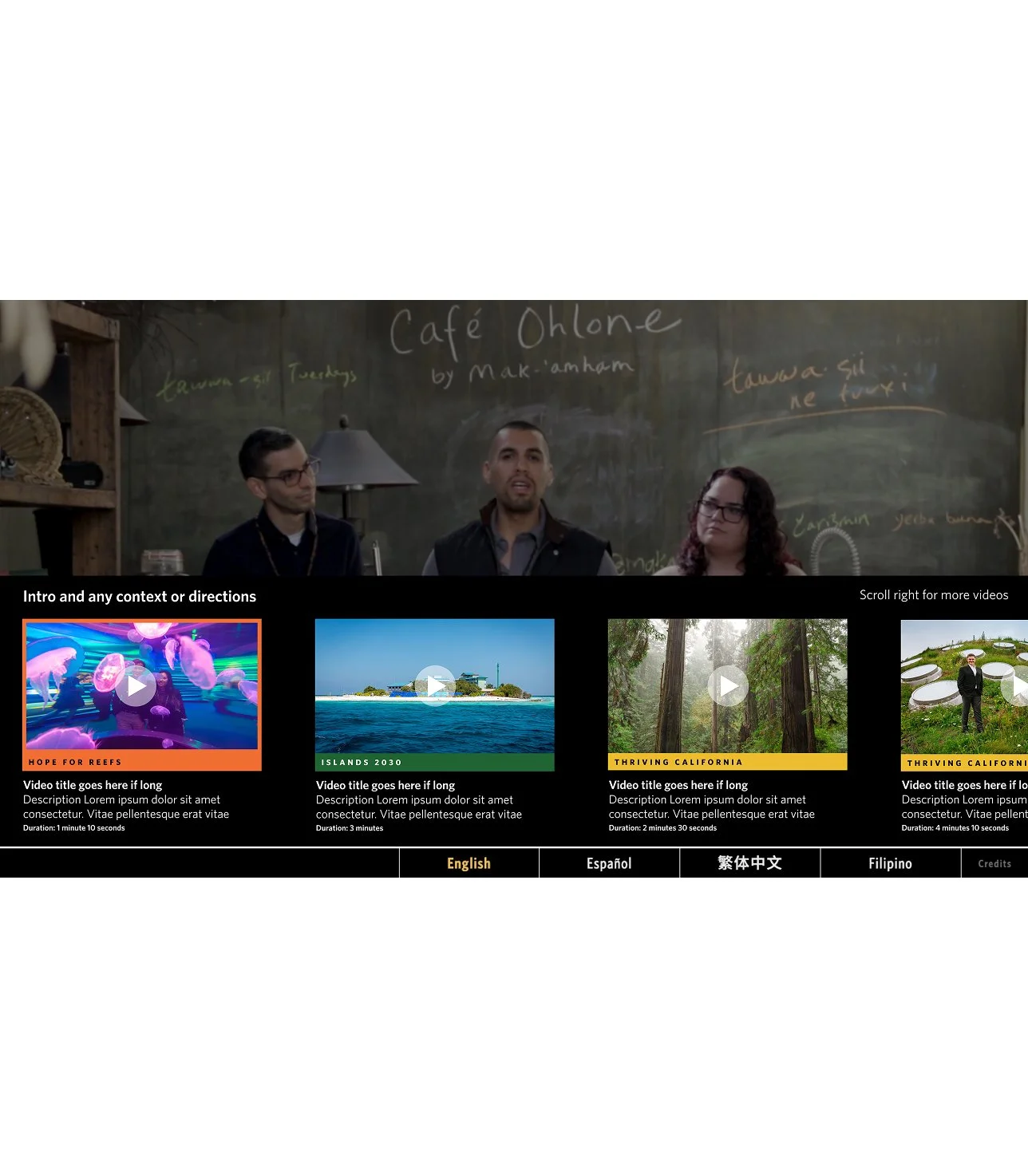
Home screen example from a multi-video player interface. A scroll bar allows for a larger database of video content to be shown.
Example of a single video player which didn’t need a menu screen.
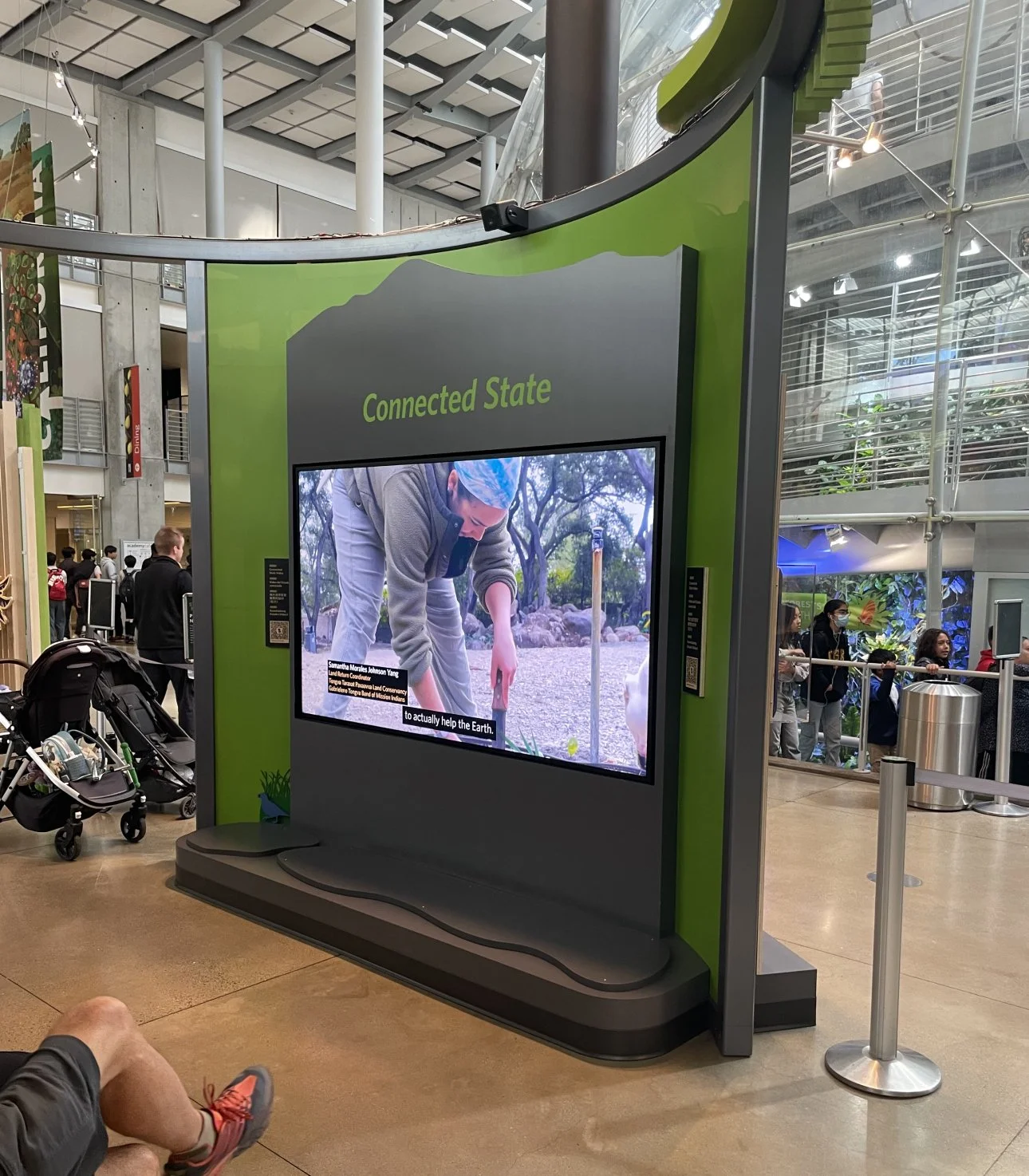
Example of a video player created as a theater without touchscreen capability. The same lower third graphics applied to videos across the exhibit.
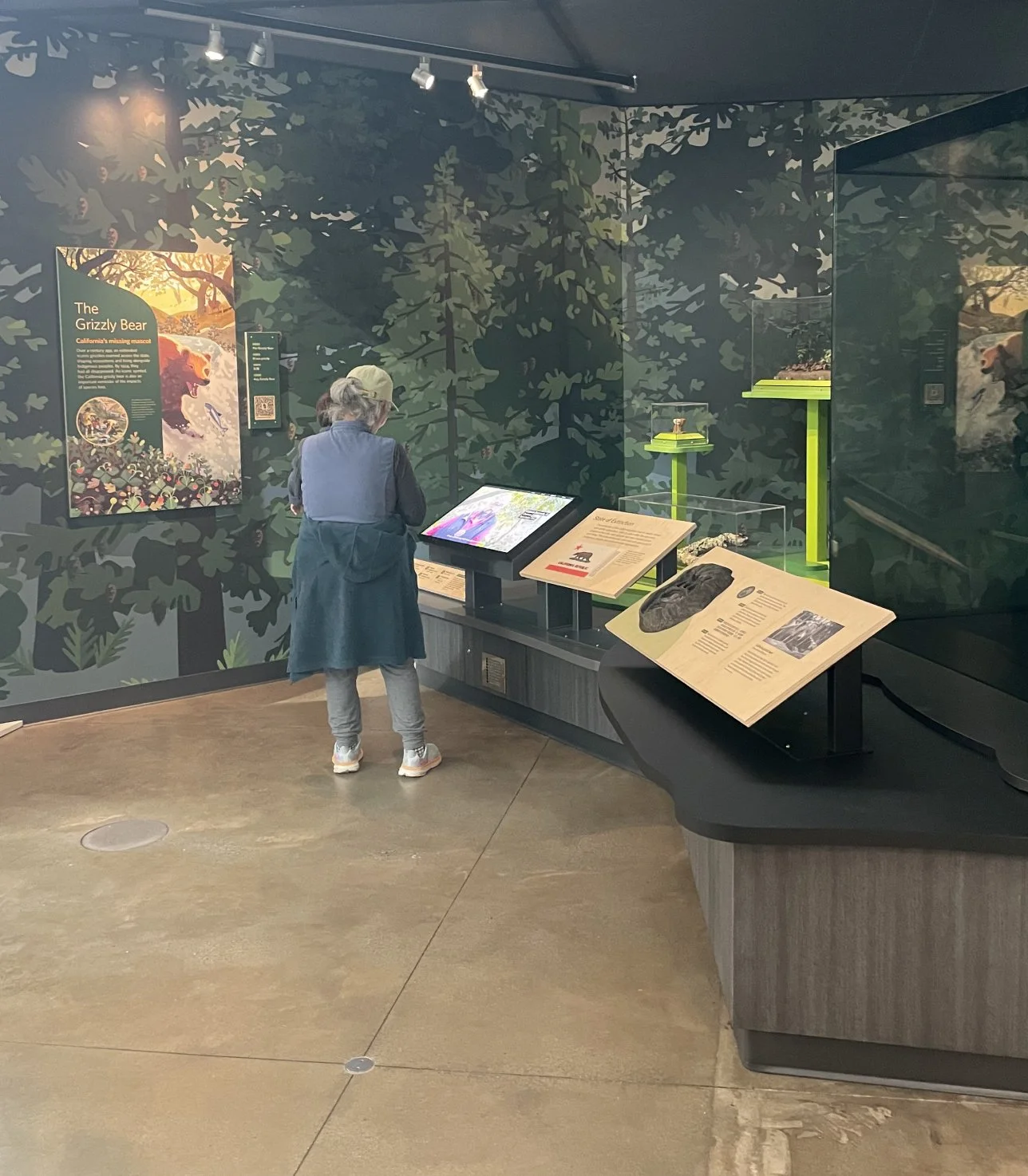
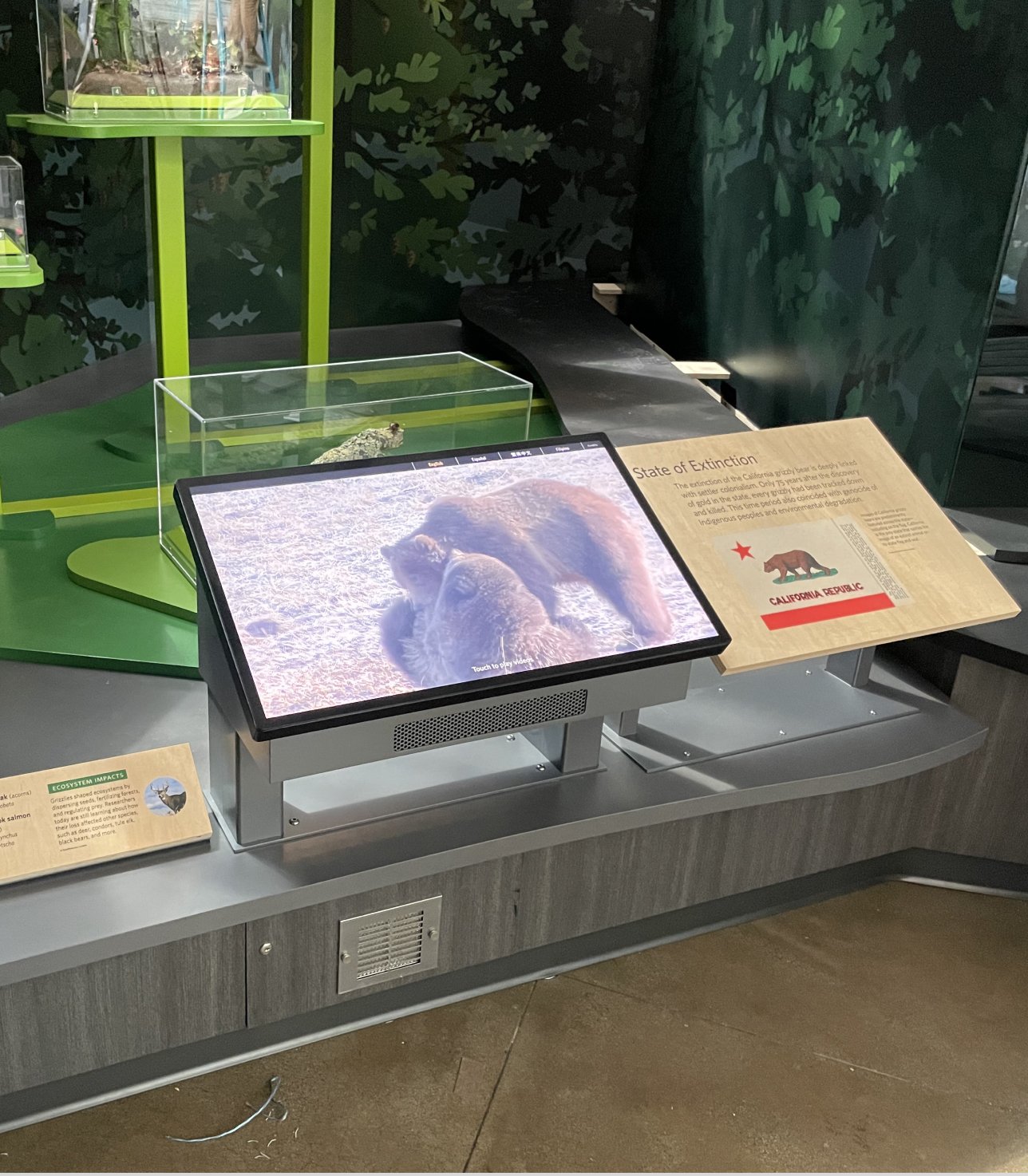
An example of a video player touchscreen included on a content rail in the exhibit.
Installed in the California State of Nature exhibit – 2024
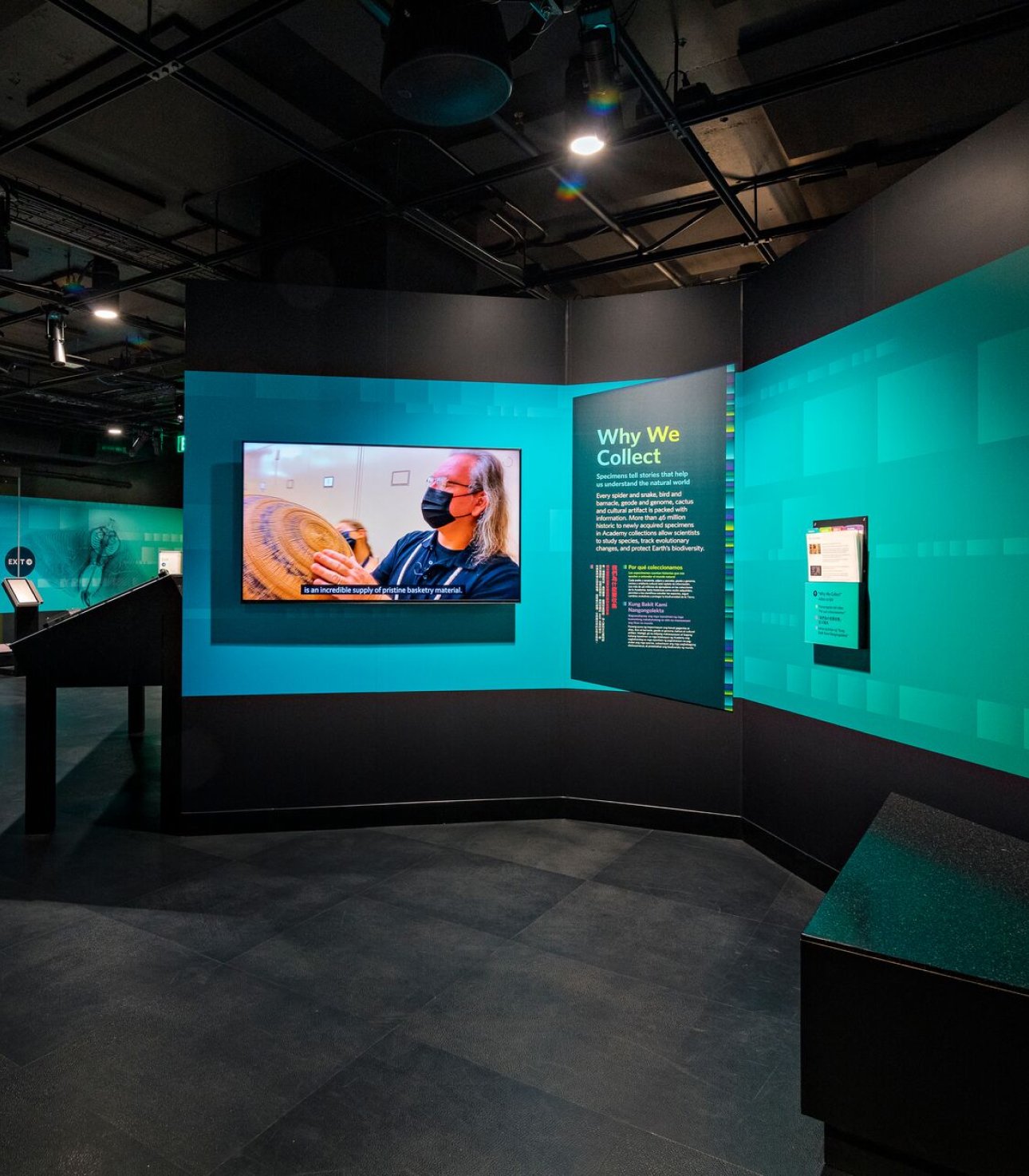
Theater seating created to accompany large format video screens.
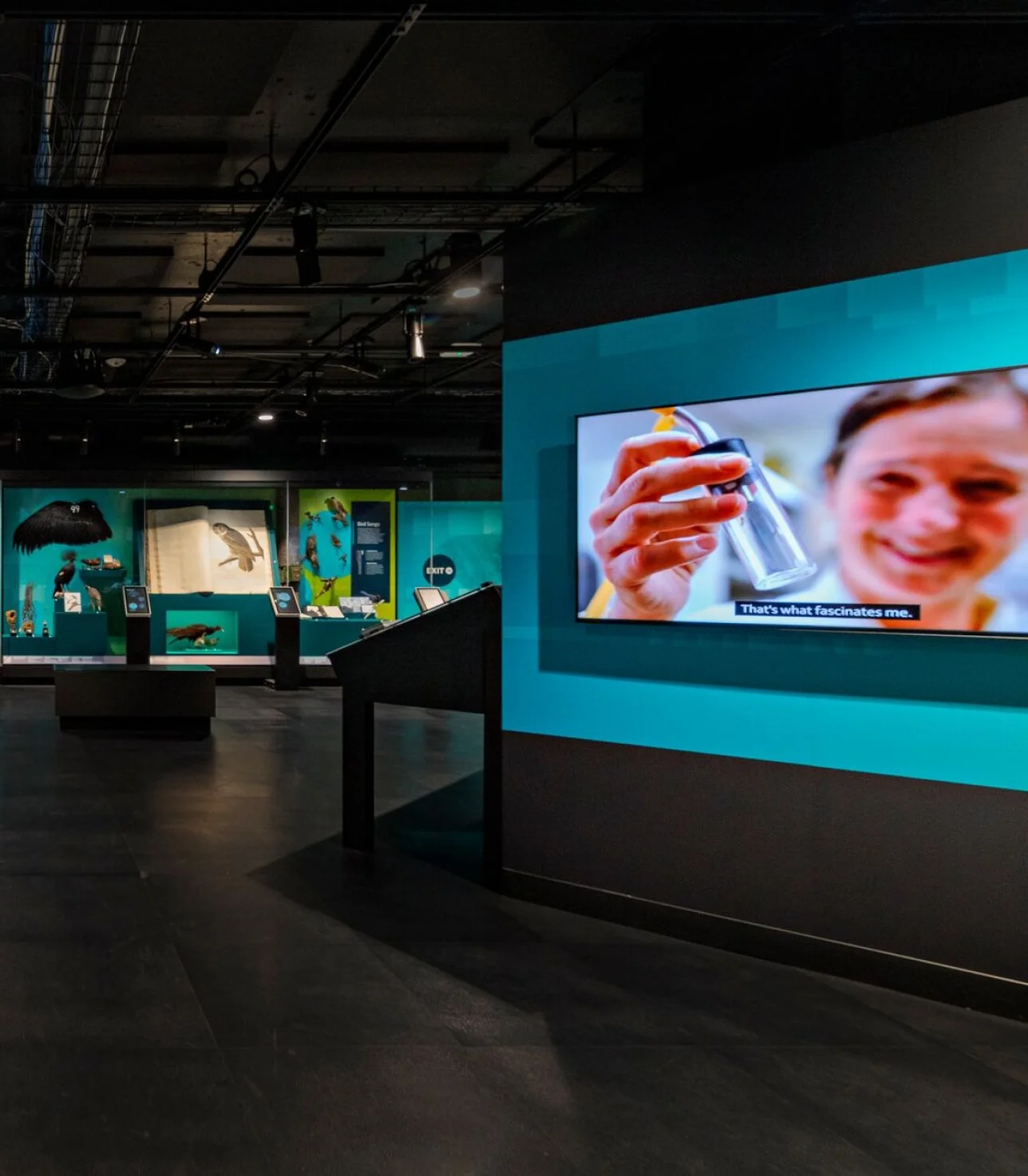
Video content was included in the digital IDs and in large format screens for this exhibit, building on the video player templates created for other exhibits.
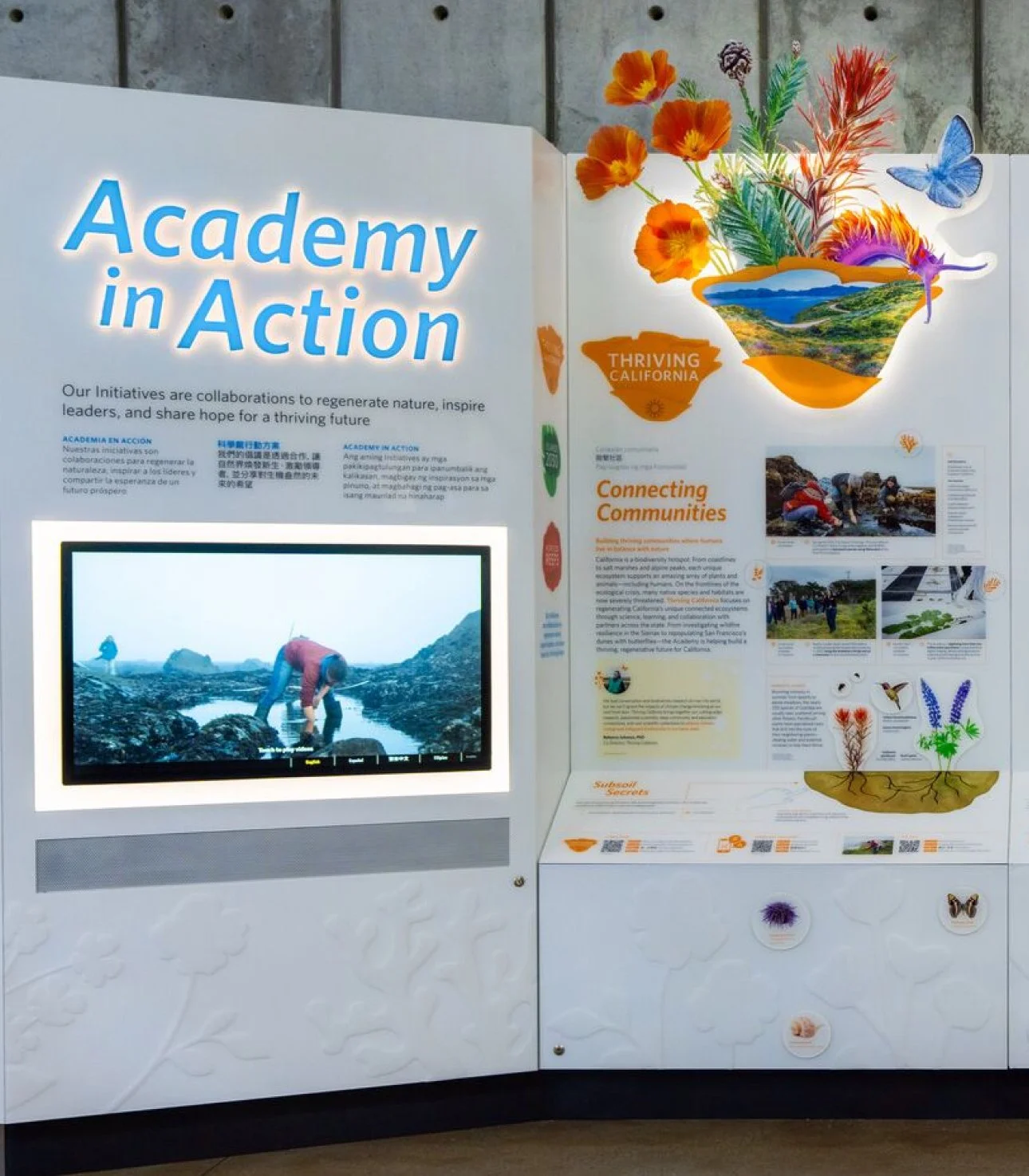
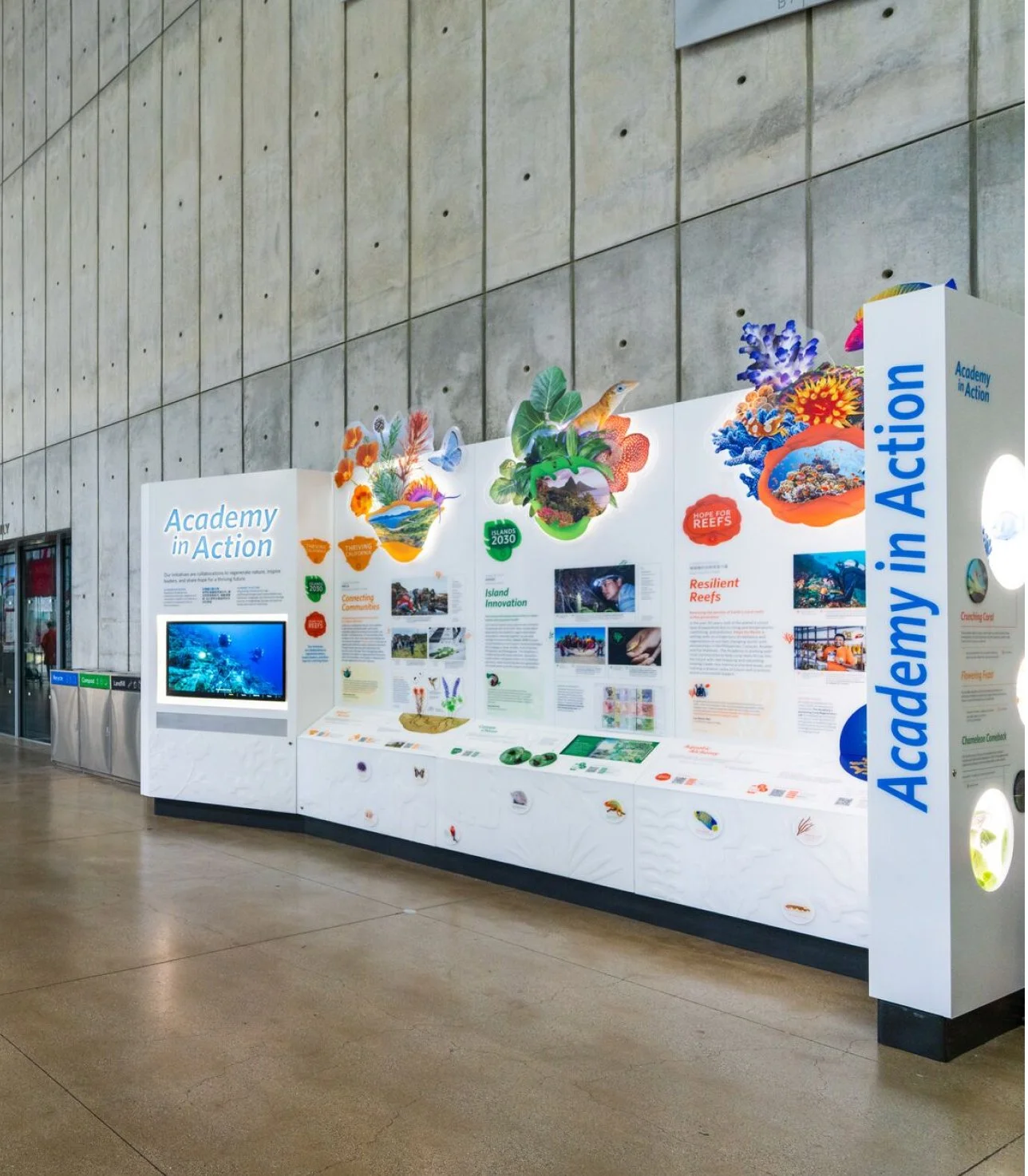
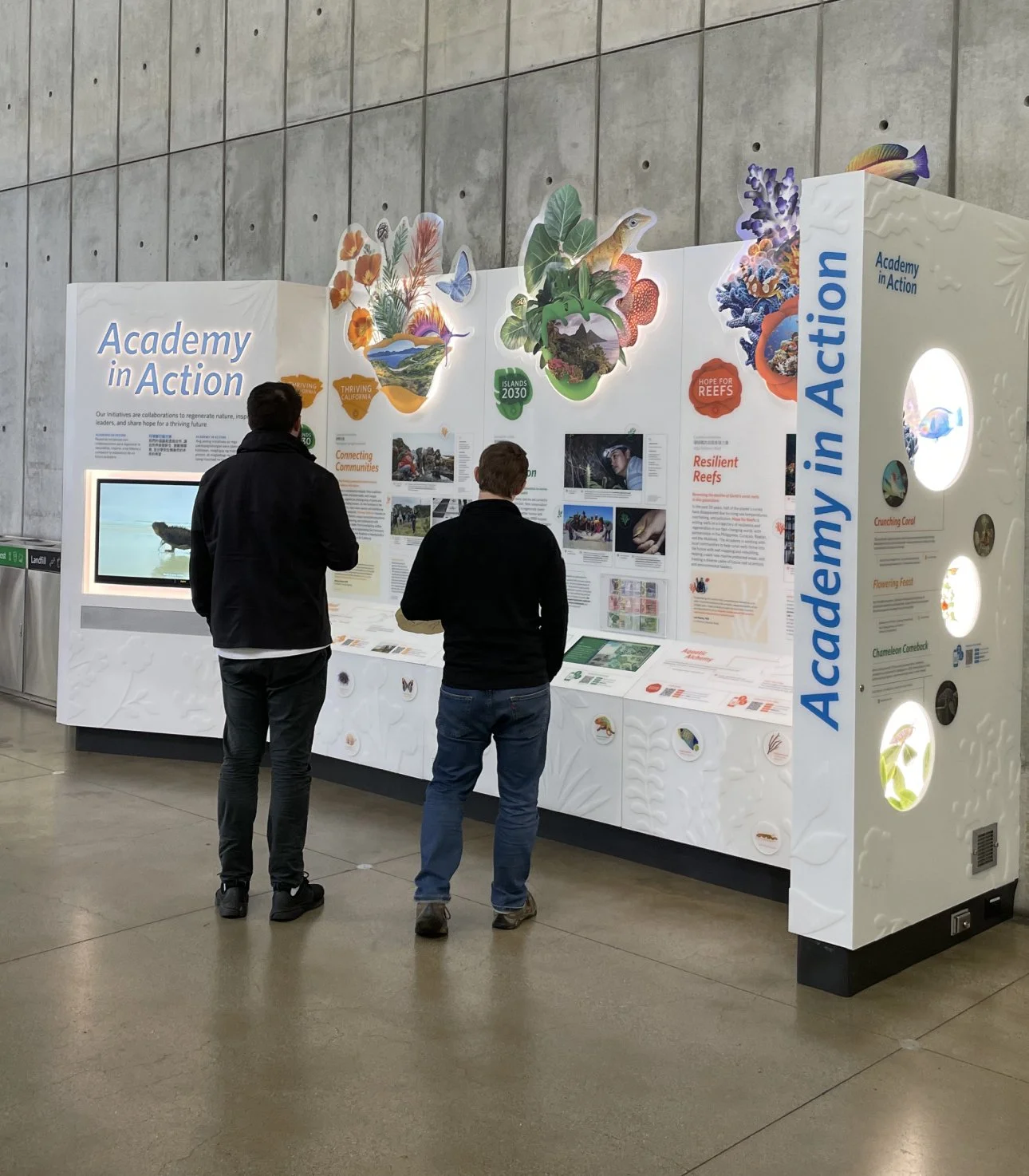
in Academy in Action exhibit – 2023
-
![]()
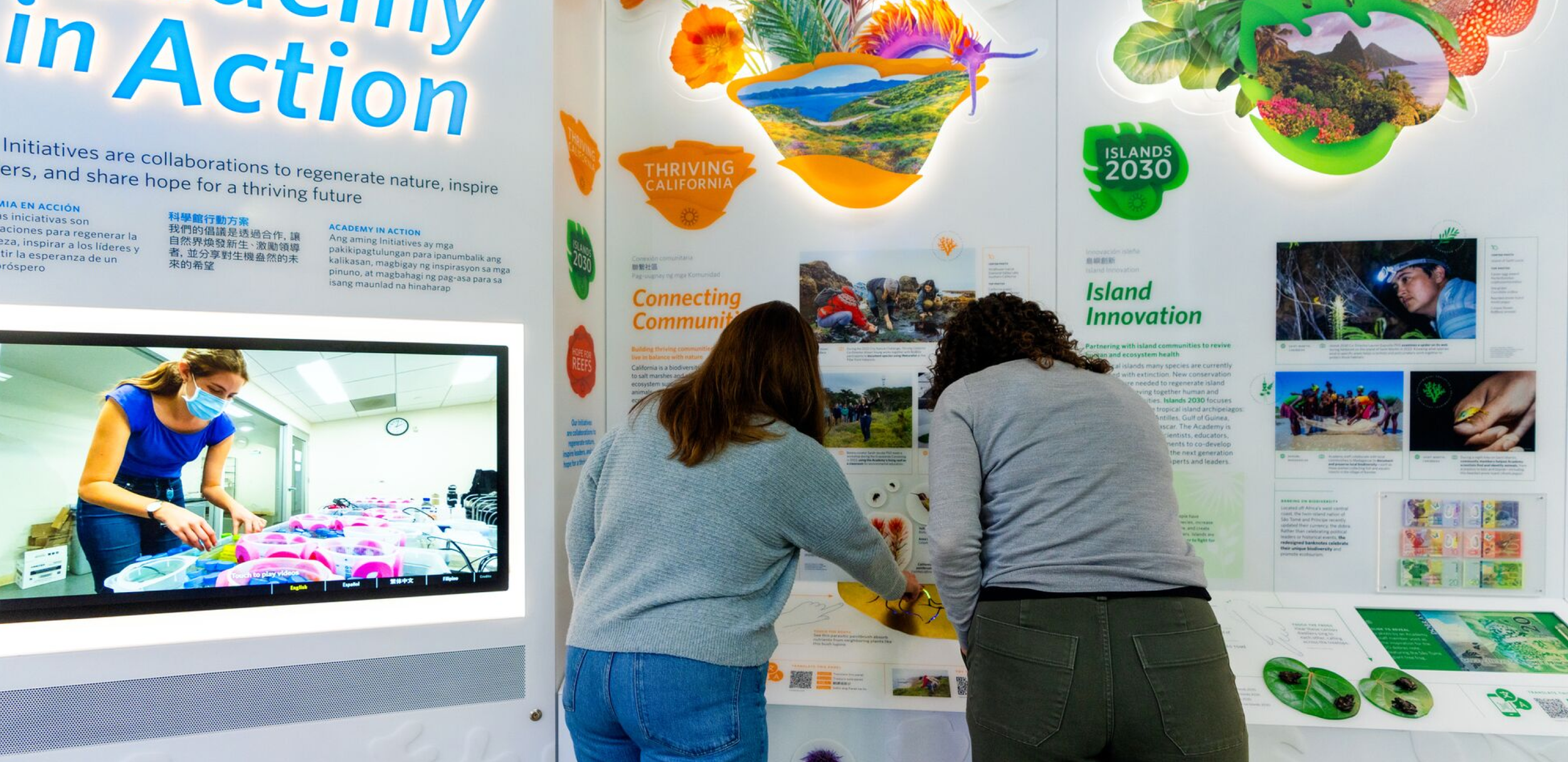
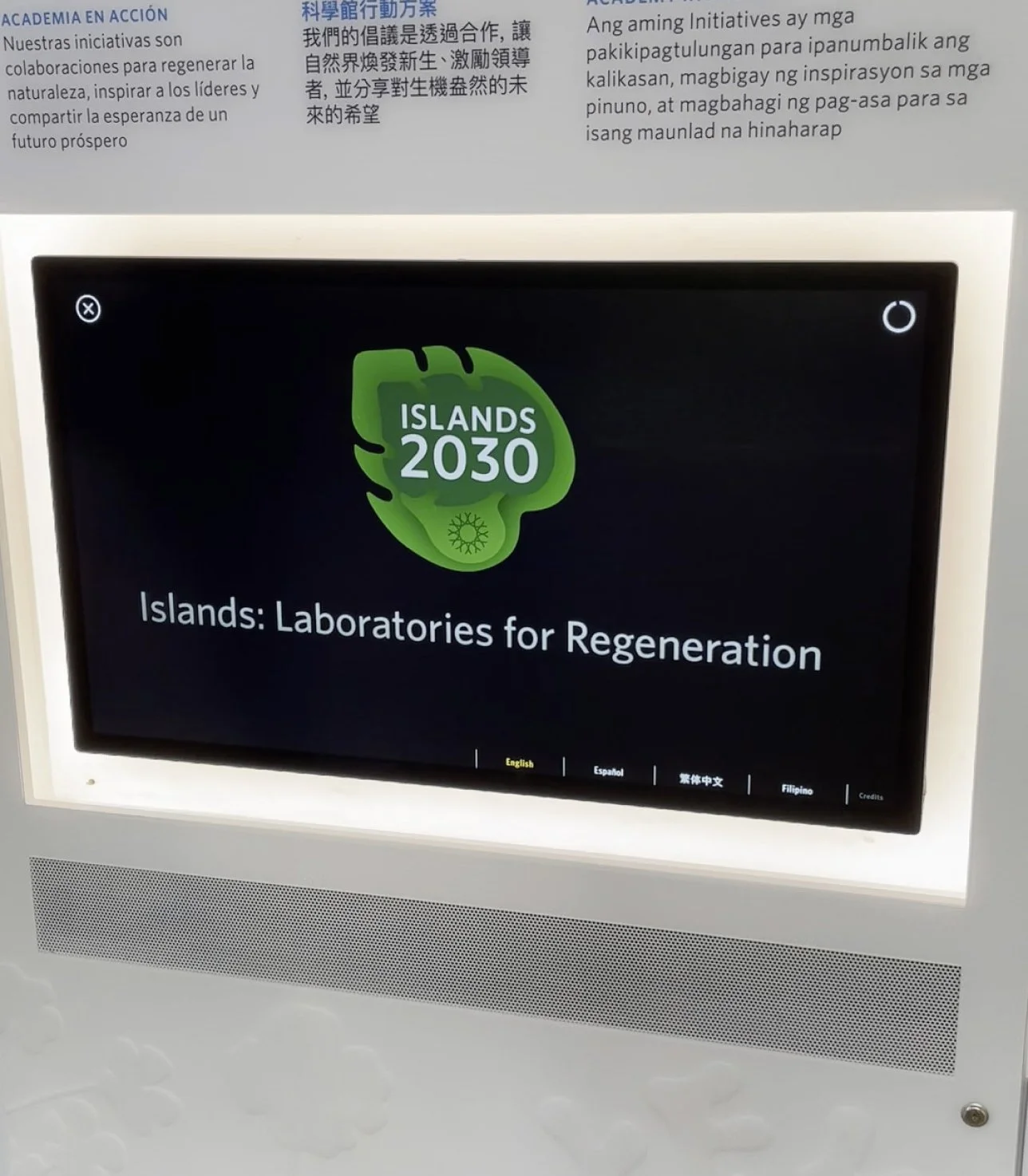
1. Installation of a large touchscreen video player in the Academy in Action exhibit. This exhibit had a large number of videos to include which document the museums initiatives across three themes. The videos were color coded by theme.
-
![]()
2. Installation of the screen and the graphics surrounding the interactive.
-
![]()
3. Visitors experiencing the exhibit
-
![]()
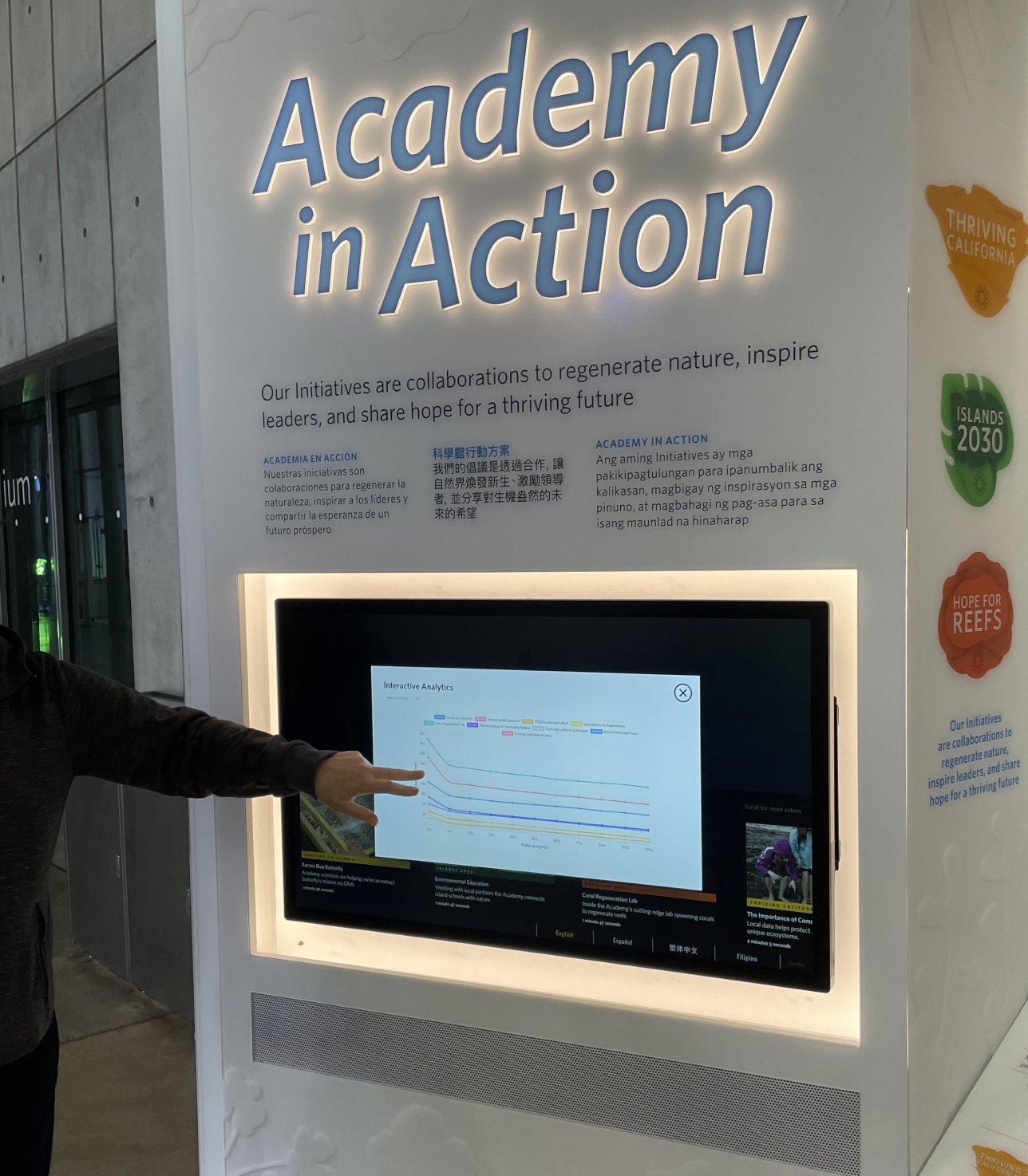
4. For staff. Usage analytics were added to help the exhibit evaluators understand the ways visitors were engaging with this video content.
-
![]()
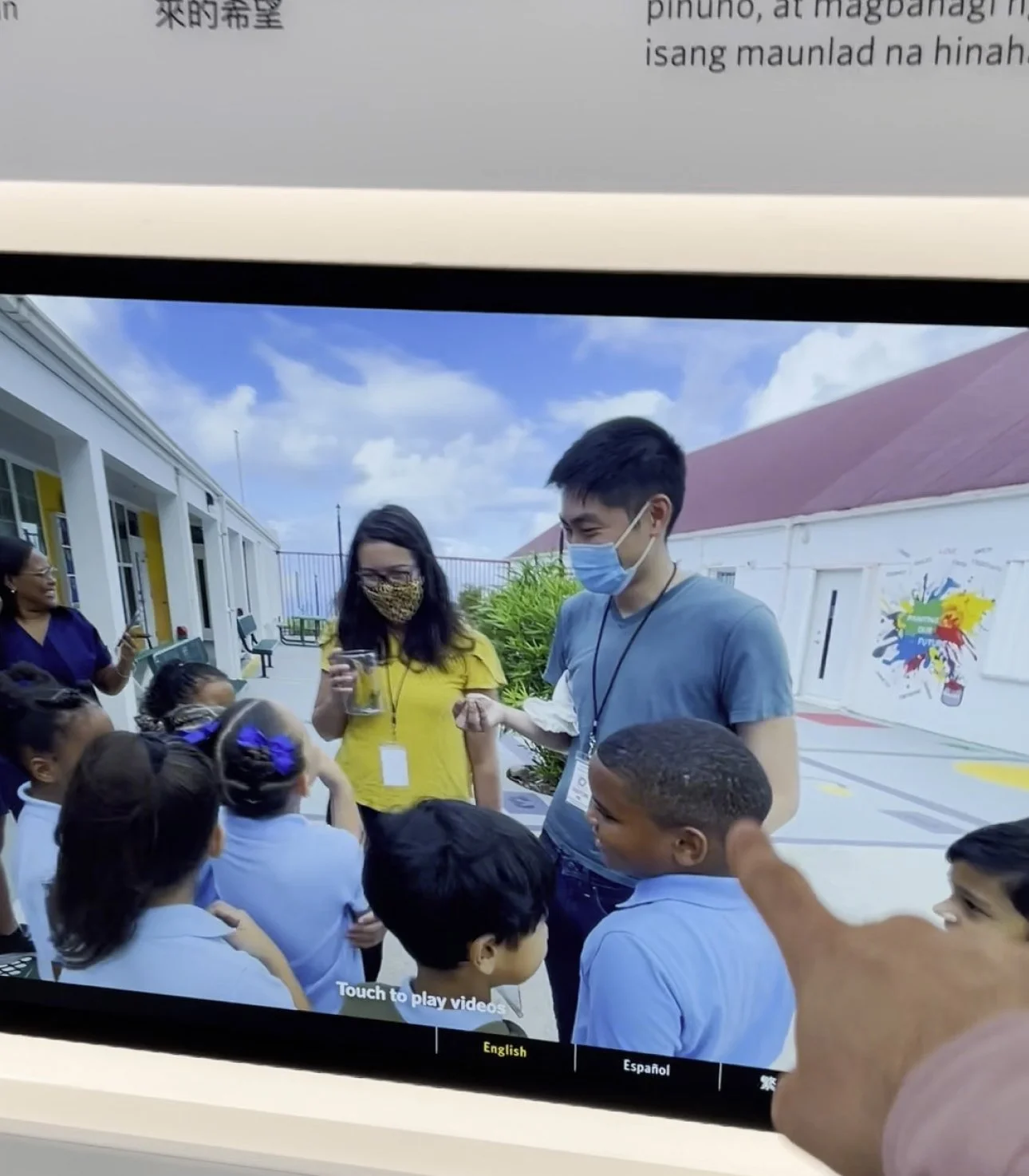
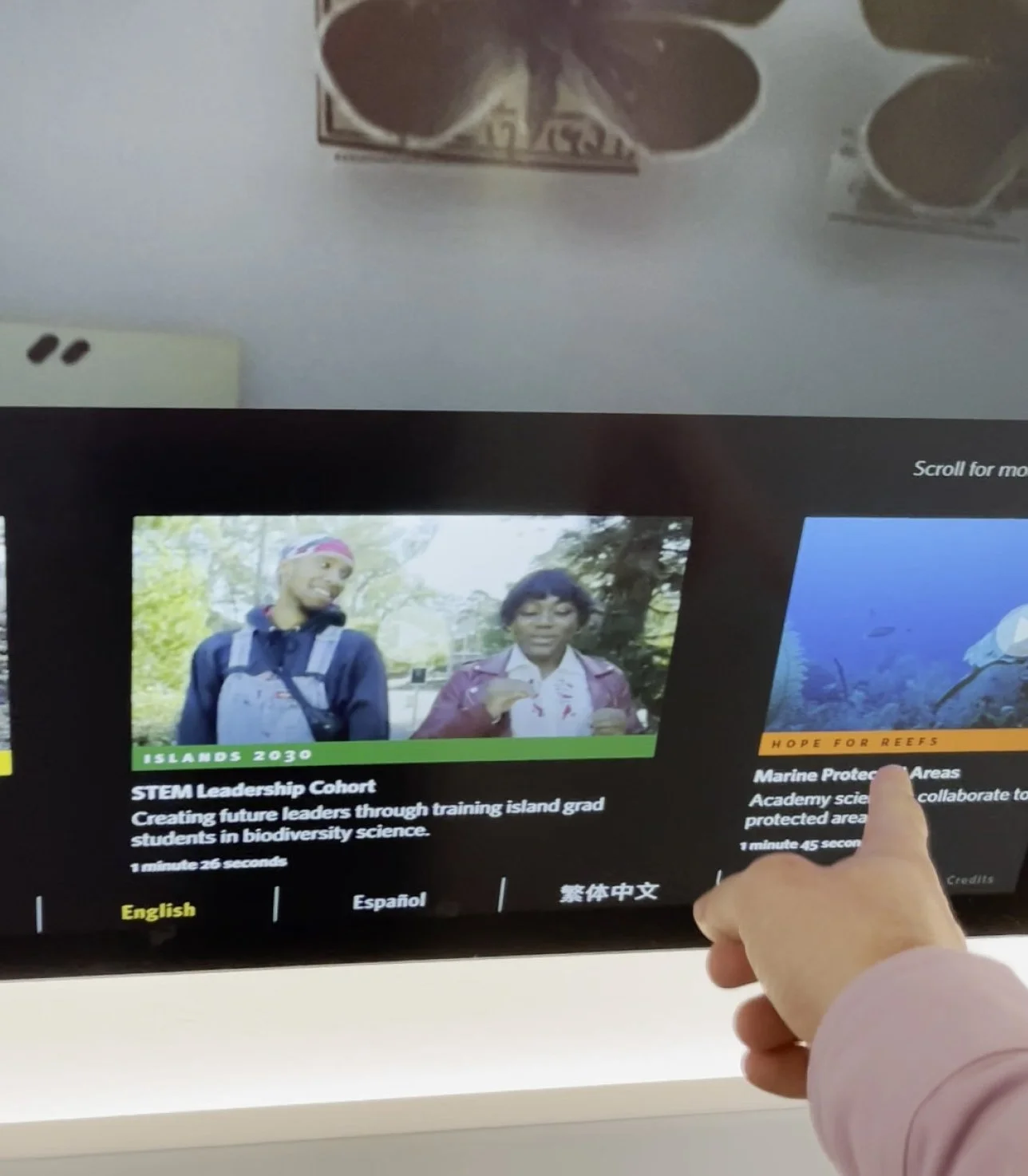
5. Language selection was moved to the bottom of this touchscreen because of how it was installed for accessibility and ergonomic reasons.
-
![]()
6. Examples of the color coded indicators for video content that indicate which of the three initiatives the content is about. (Islands 2030, Hope for Reefs, and Islands 2030)
-
![]()
7. In addition to the branded graphics, initative logos were included at the end of each video.
-
![]()
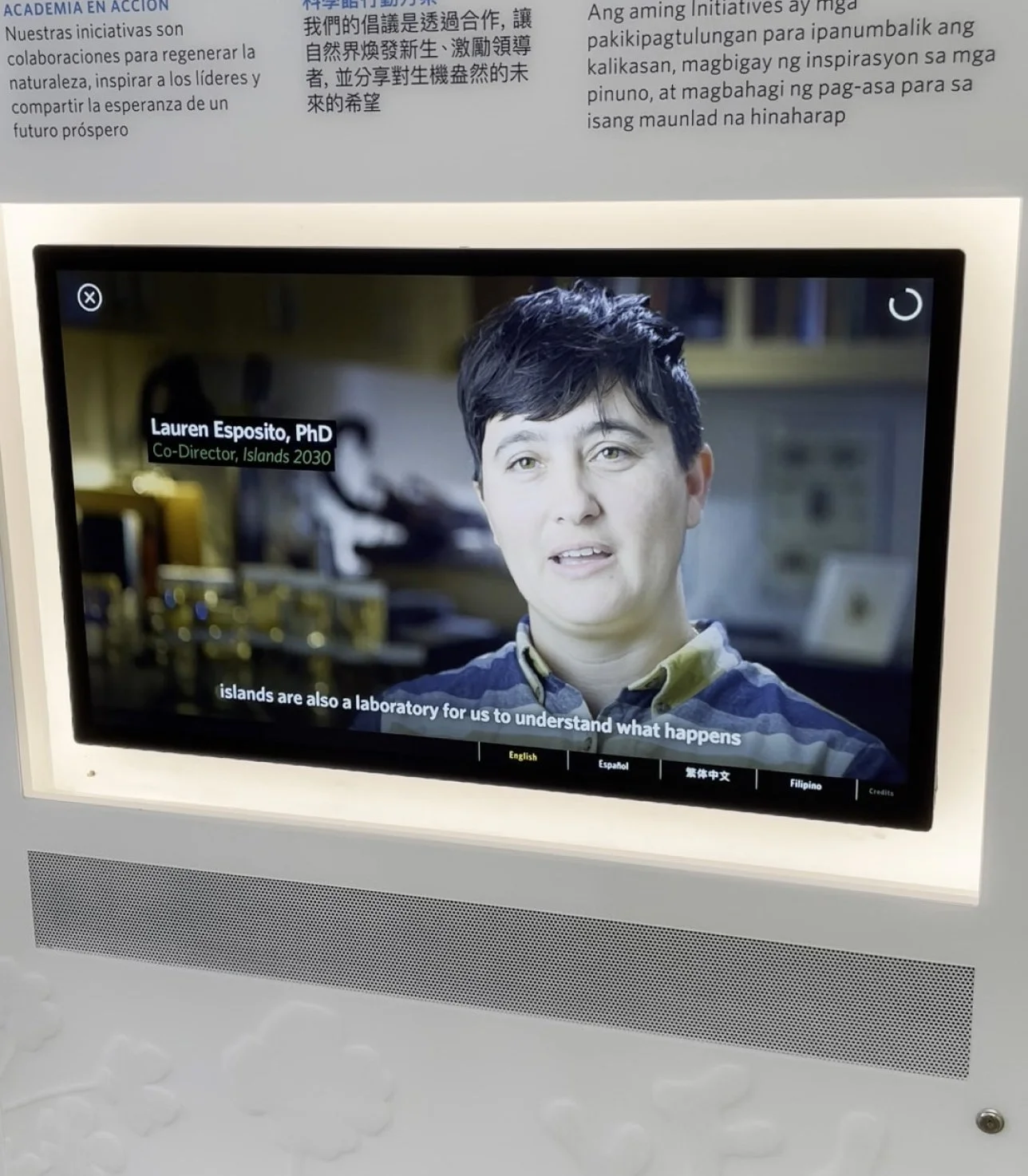
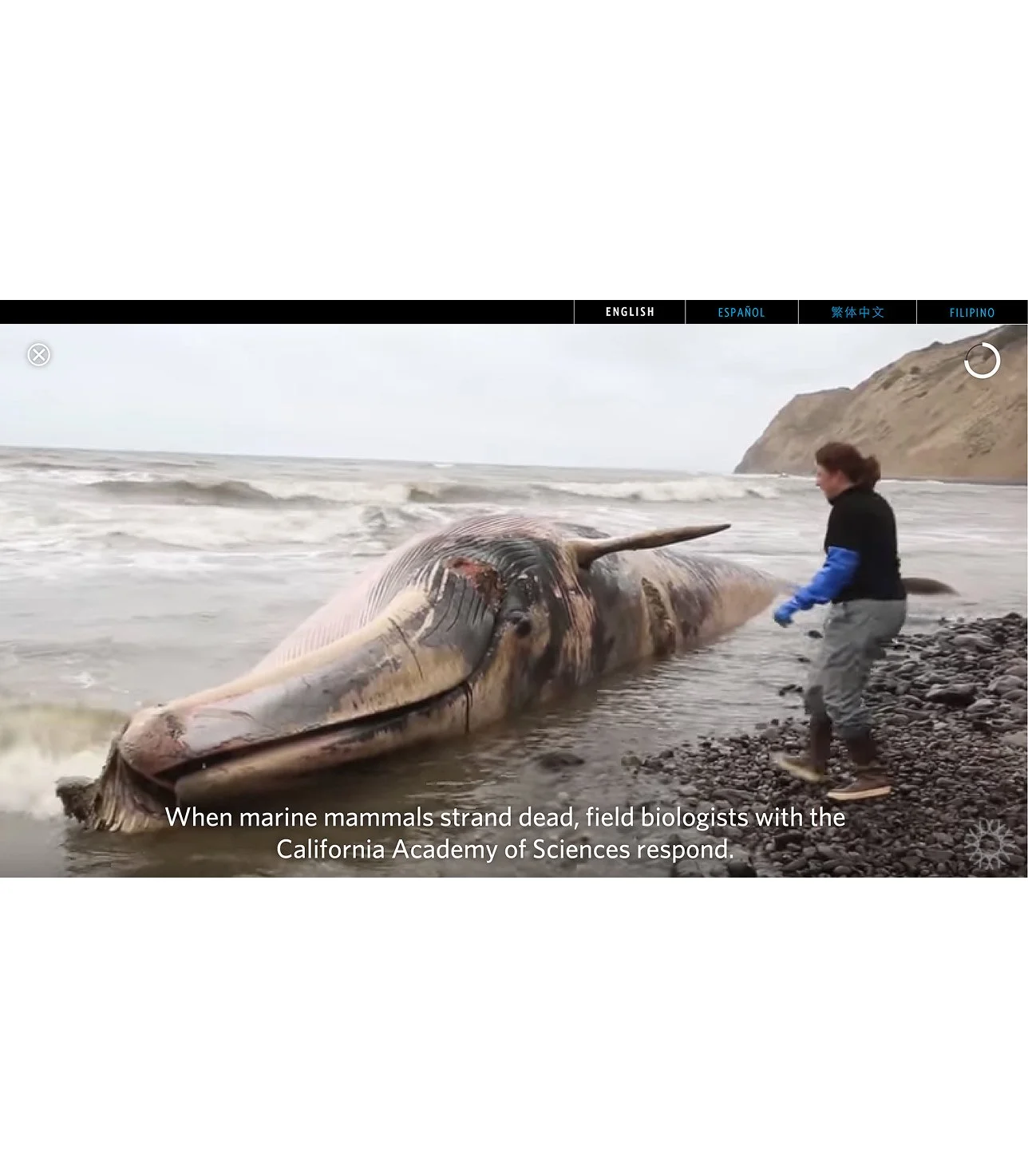
8. Examples of the lower third graphics, caption design and progress indicators used in this video player.
Installed in the SKIN exhibit – 2019
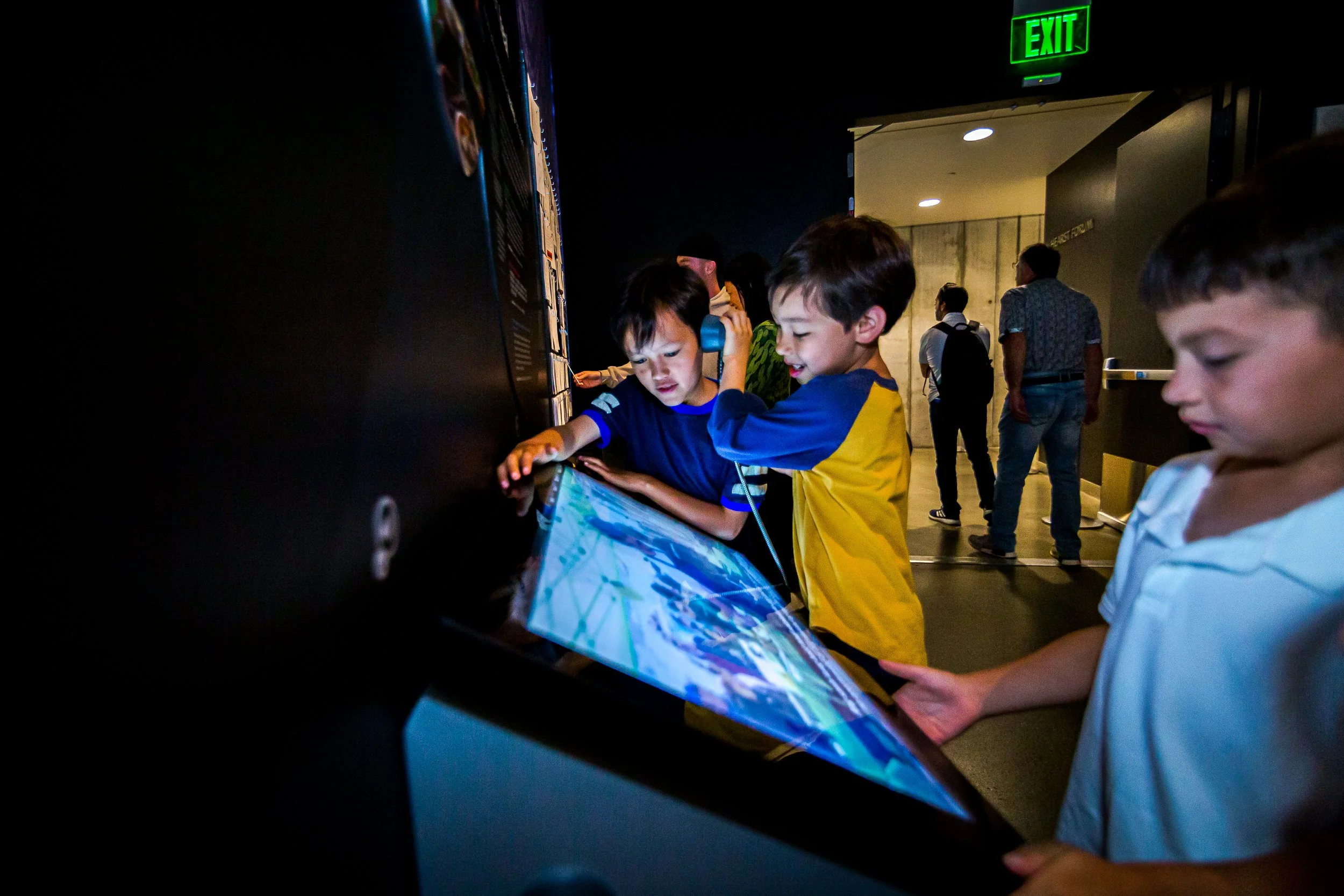
Installation of a video player screen in the Skin exhibit. Shown with the graphics surrounding the interactive. Kids in this photo are interacting with both the screen and the handheld speaker.

Installation of a video player screen in the Skin exhibit. Shown with the graphics surrounding the interactive.
Installed in the Giants of Land and Sea exhibit – 2018
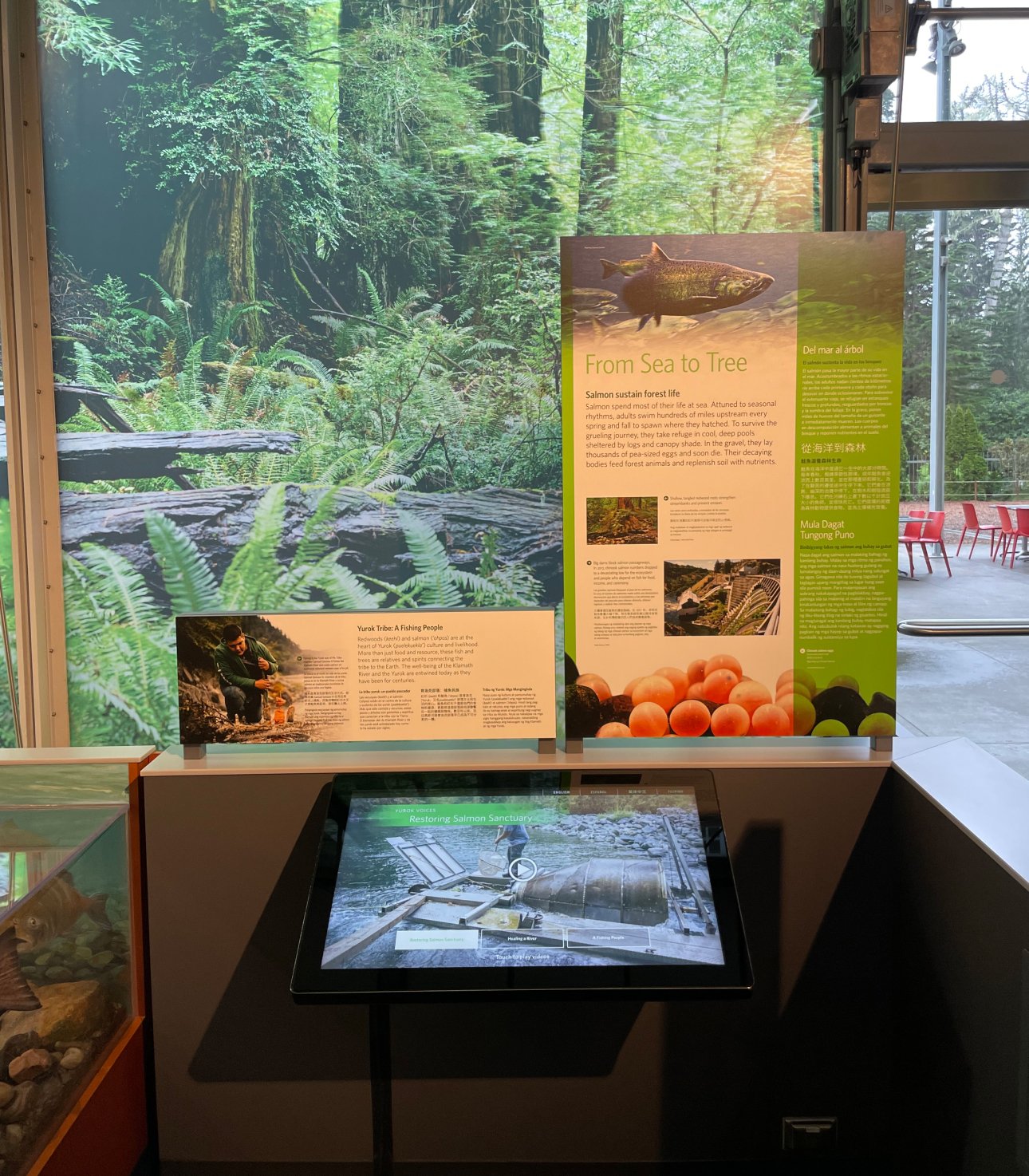
This video kiosk is shown with contextual graphics surrounding the interactive. This layout was designed for 2-4 videos to be included per screen. The video graphics reinforce which exhibit section you are in
(the green is for forests).
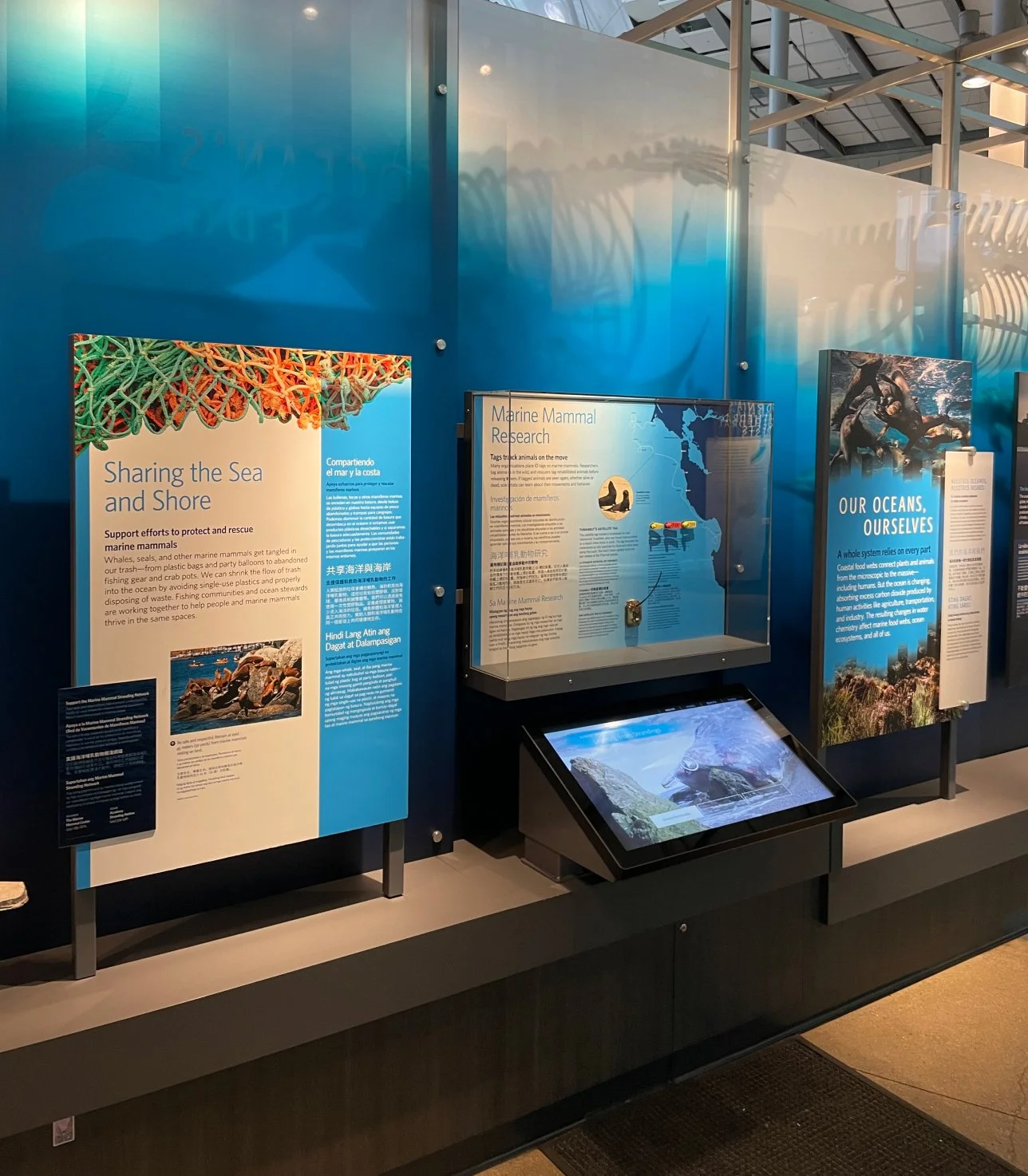
This 3 video player installed in the ocean section of the exhibit uses a blue color scheme for video graphics and for installed exhibit content.
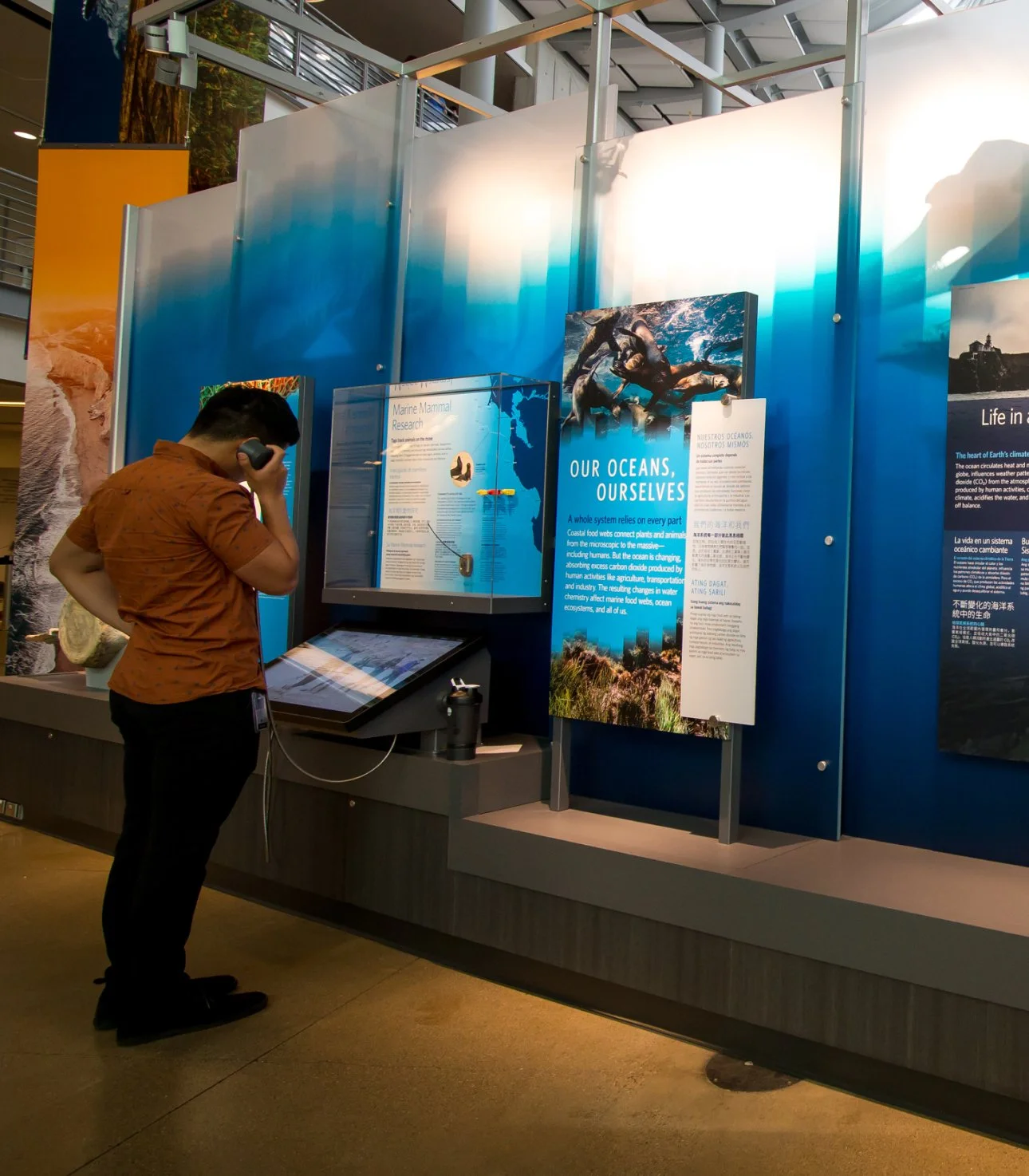
For a more individual watching experience, puck shaped speakers were included with each video player.
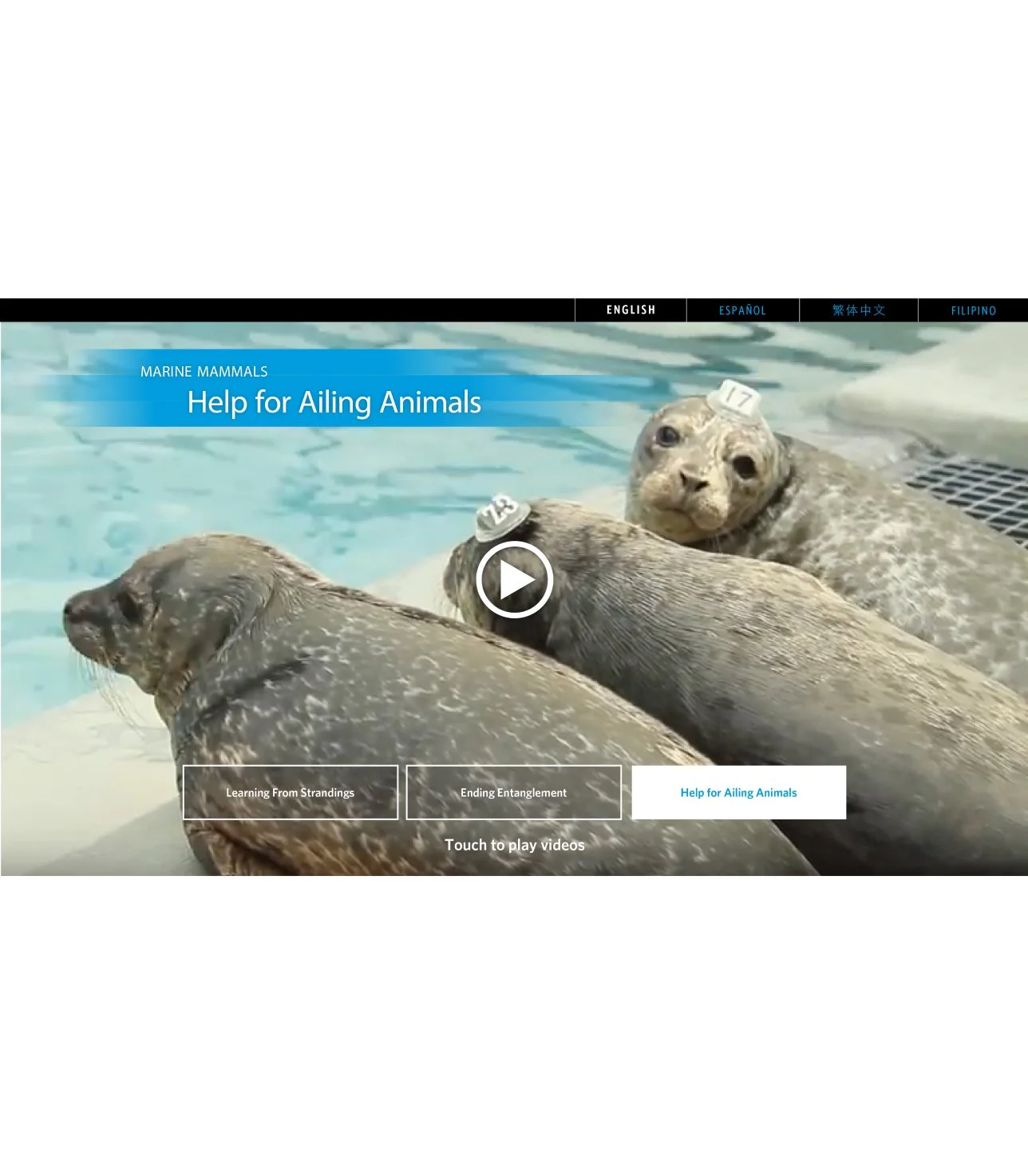
Attract Screen with looping video clips
How it was made
-
![]()
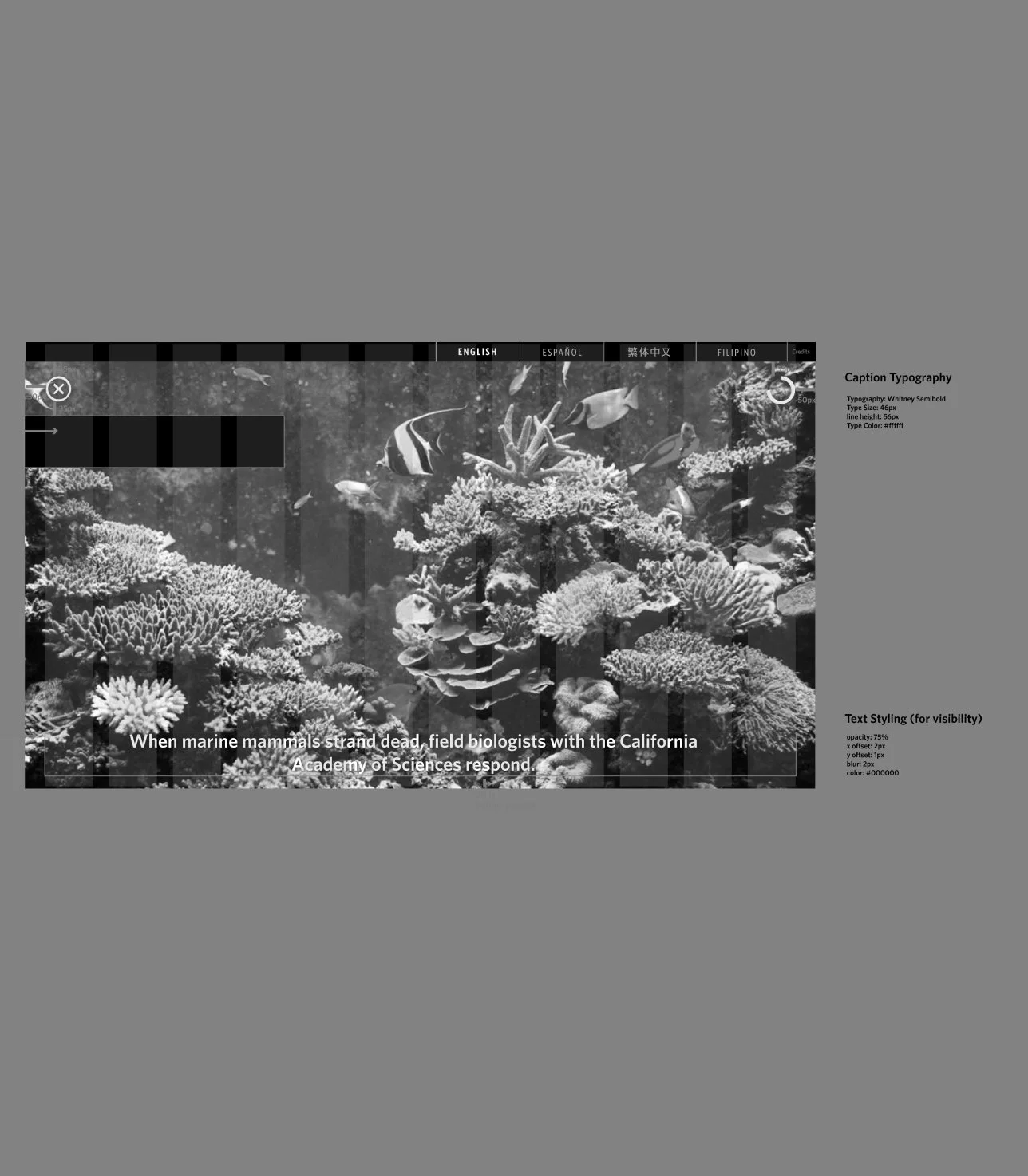
1. Build guide for development with design annotations.
-
![]()
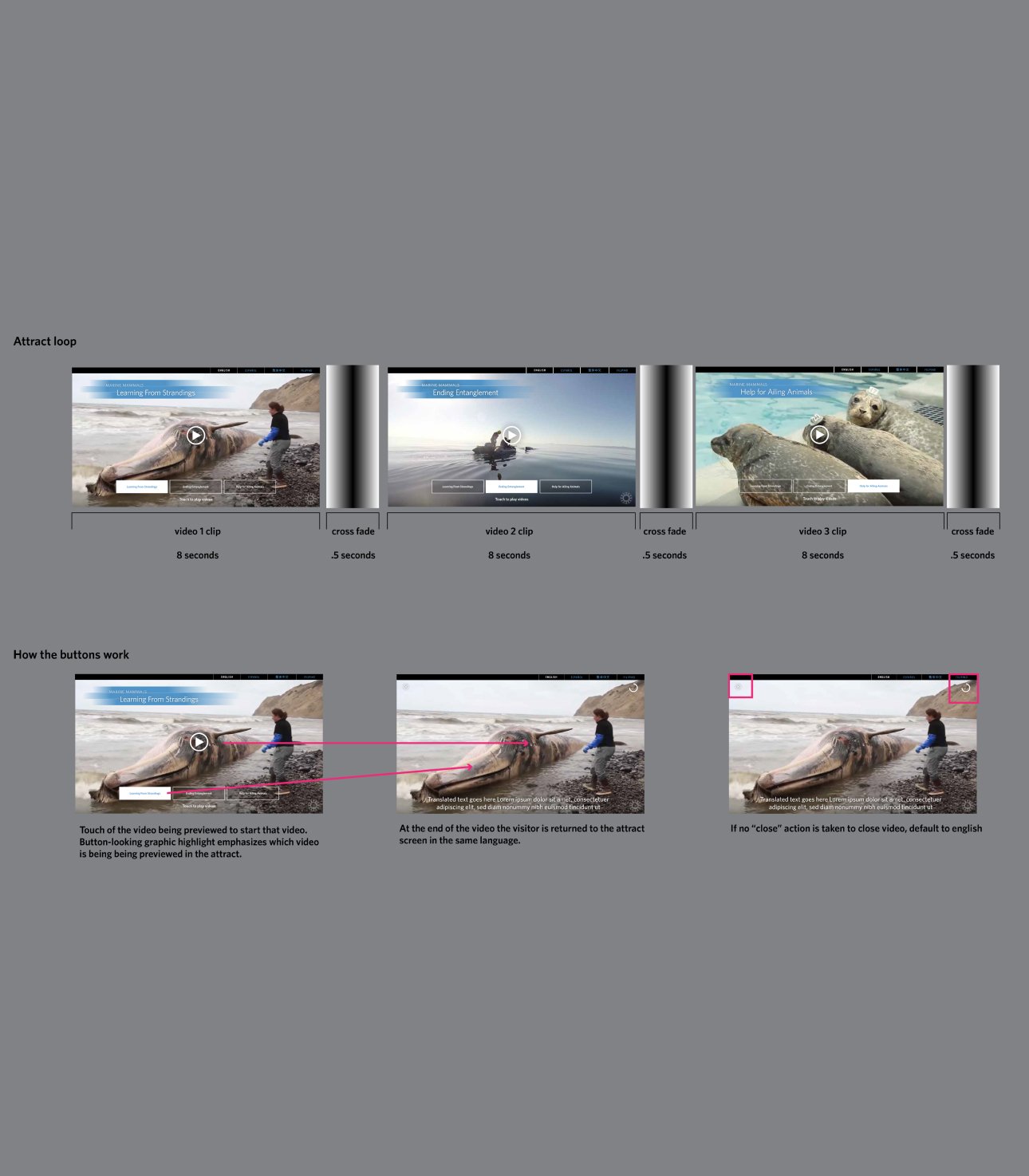
2. Storyboard showing the pacing of the attract loop, and UI for the video player including a progress indicator.
-
![]()
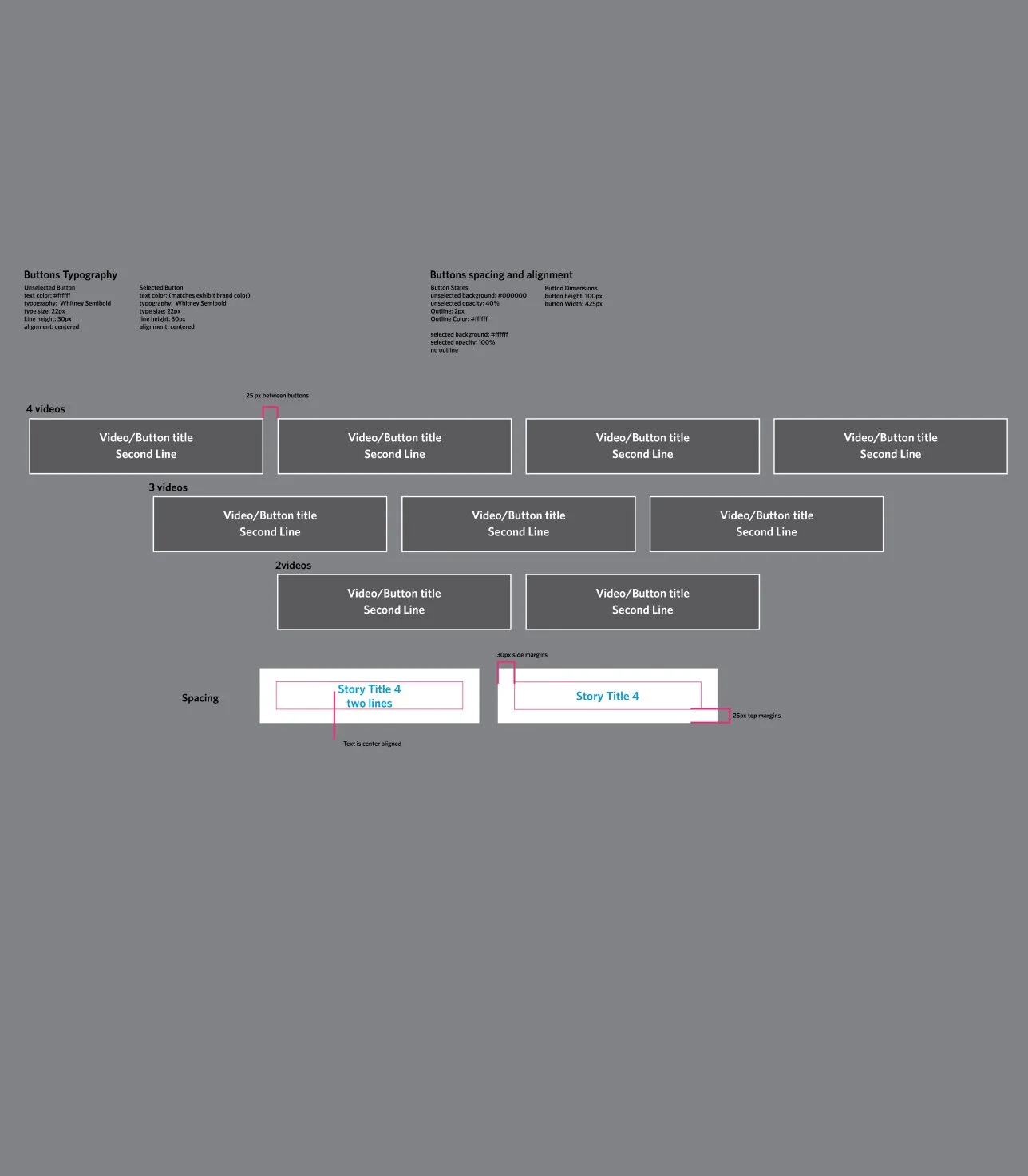
3. Showing spacing of the home screen buttons. This version of the app allowed for 2 to 4 videos.
-
![]()
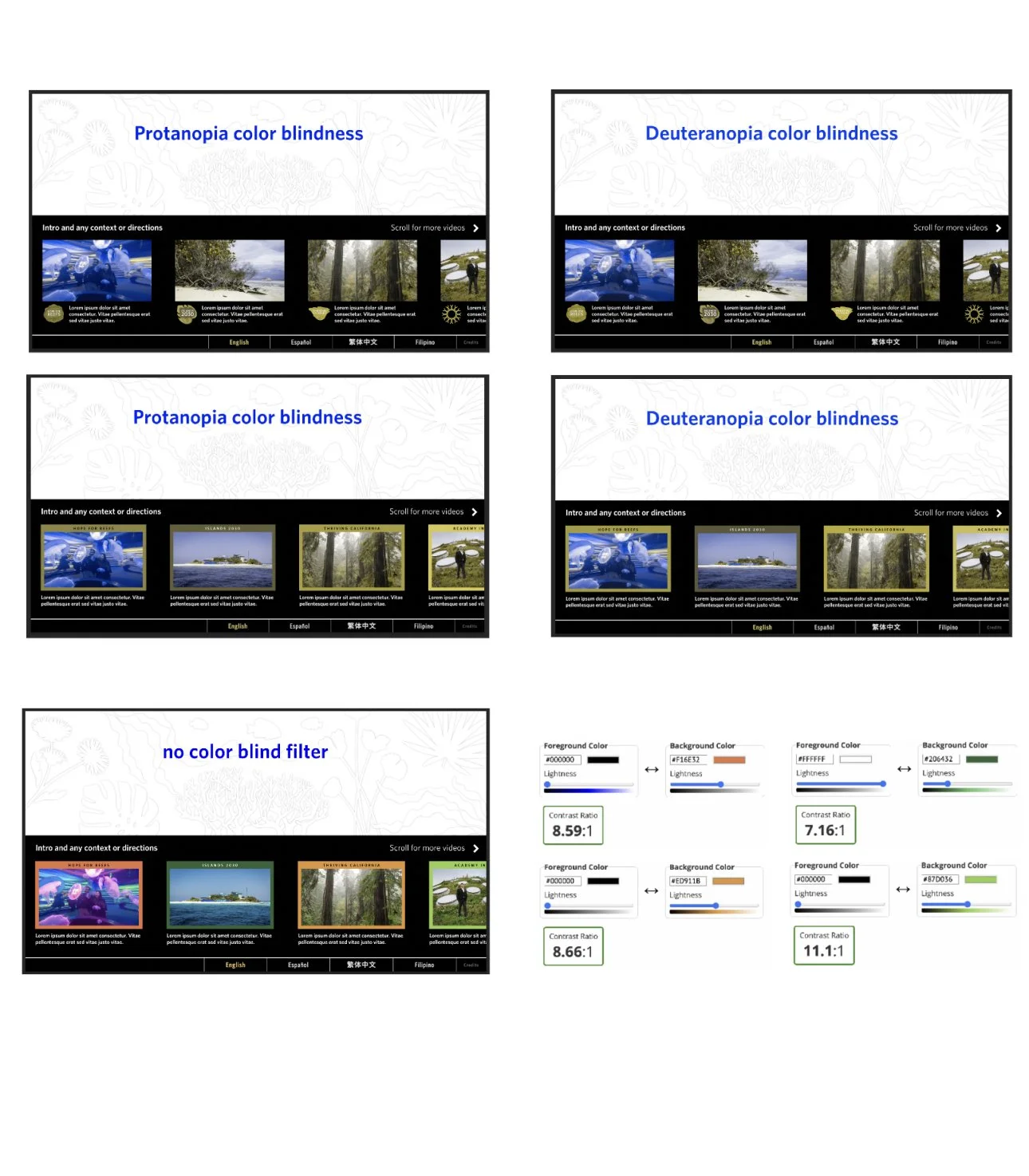
4. Accessibility color testing was done for the multi-video player to ensure that color indicators were widely understood.
-
![]()
5. Mockup of Academy in Action video player, which added a color coded frame to preview images with the initiative title. Placing the language selection bar at the bottom of the screen for accessible access because of the placement of the screen in the exhibt.
-
![]()
6. Progress indicator ring functionality was added to help visitors and alleviate the pain point of not knowing the duration the video.
-
![]()
7. Storytelling for this exhibit focused on groups of objects. This is an example of a content group page
The Team
Andrew Sawyer – Visual Design & UX
Greg Rotter – Web Development
Zoey Kroll – Project Manager
Kat Whitney – Photography
Gayle Laird – Photography
Tosh Chiang – Implementation and hardware
Rhonda Rubinstein – Creative Director