Augmented Reality (AR) Building Tour
Client:
The California Academy of Sciences museum
San Francisco, CA
2020
A web-based experience to show museum spaces and the scale of the building. This has become an essential tool for the Event Rentals team. We developed this tool compensate for COVID closure. With a combination of 360° photos, spacial UI, and event photos the team increased sales by being able to virtually show off the building.
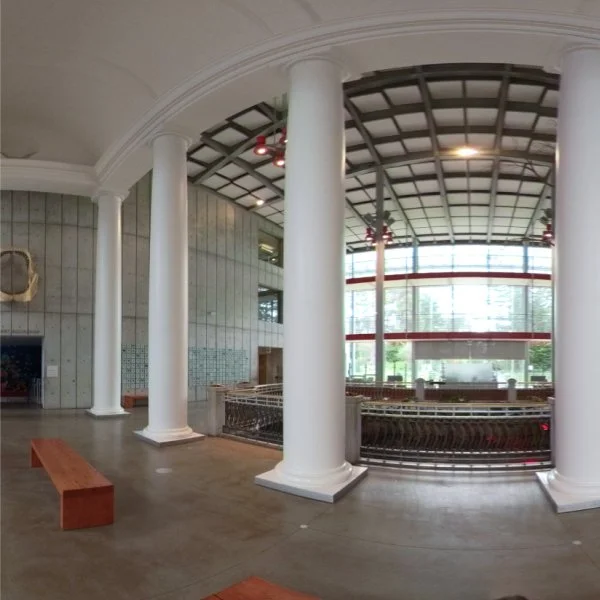
Originally imagined as a proof-of-concept for virtual exhibits, this quickly became an essential tool to walk clients through the building to get a sense of scale before visiting. The 360° spaces are overlayed with contextual information about the spaces and image examples of previous events at that location.
Explore for Yourself
Stereoscopic vs. Single Lens
The default view is single lens since most viewers accessed via a computer not by VR headset
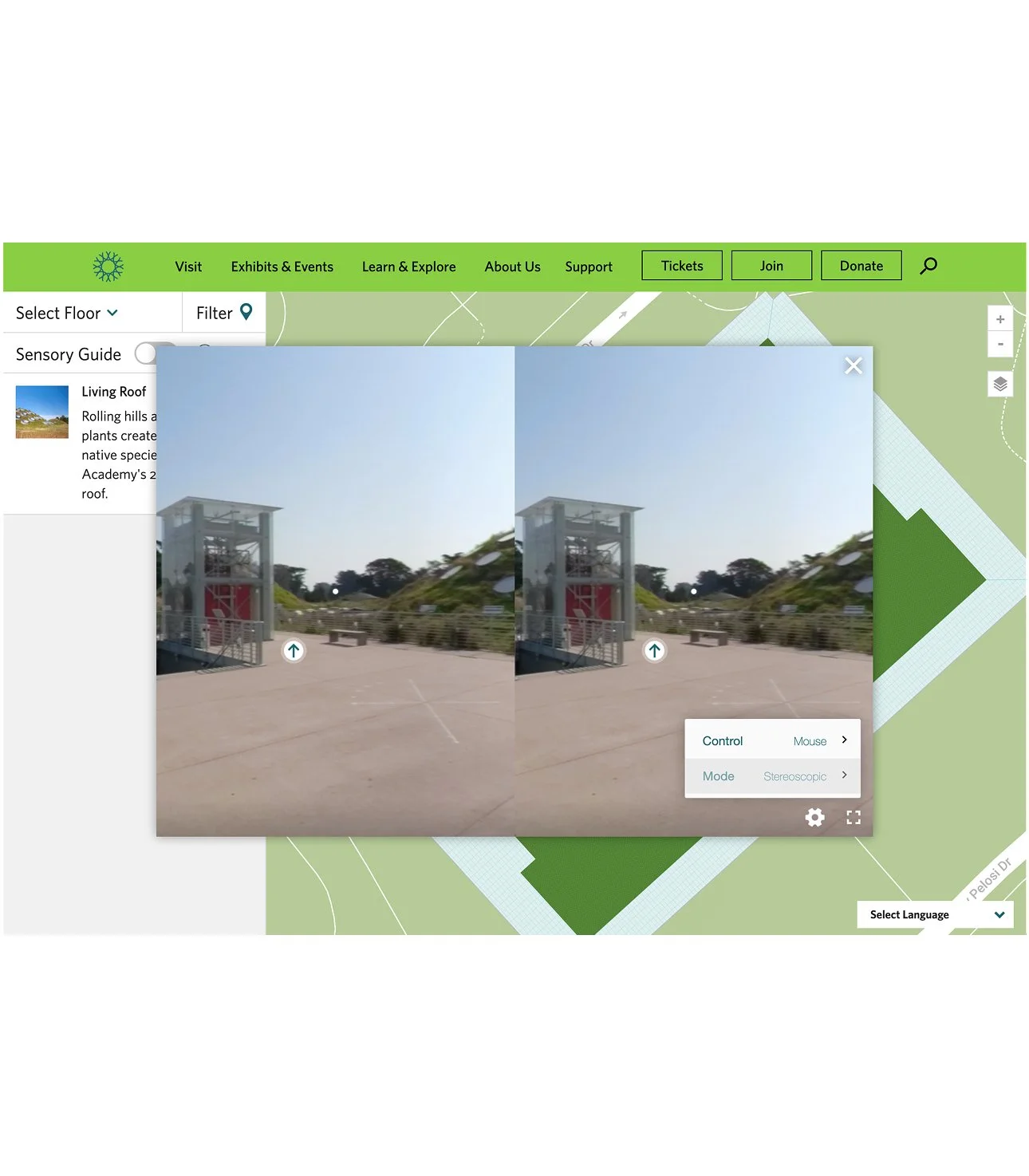
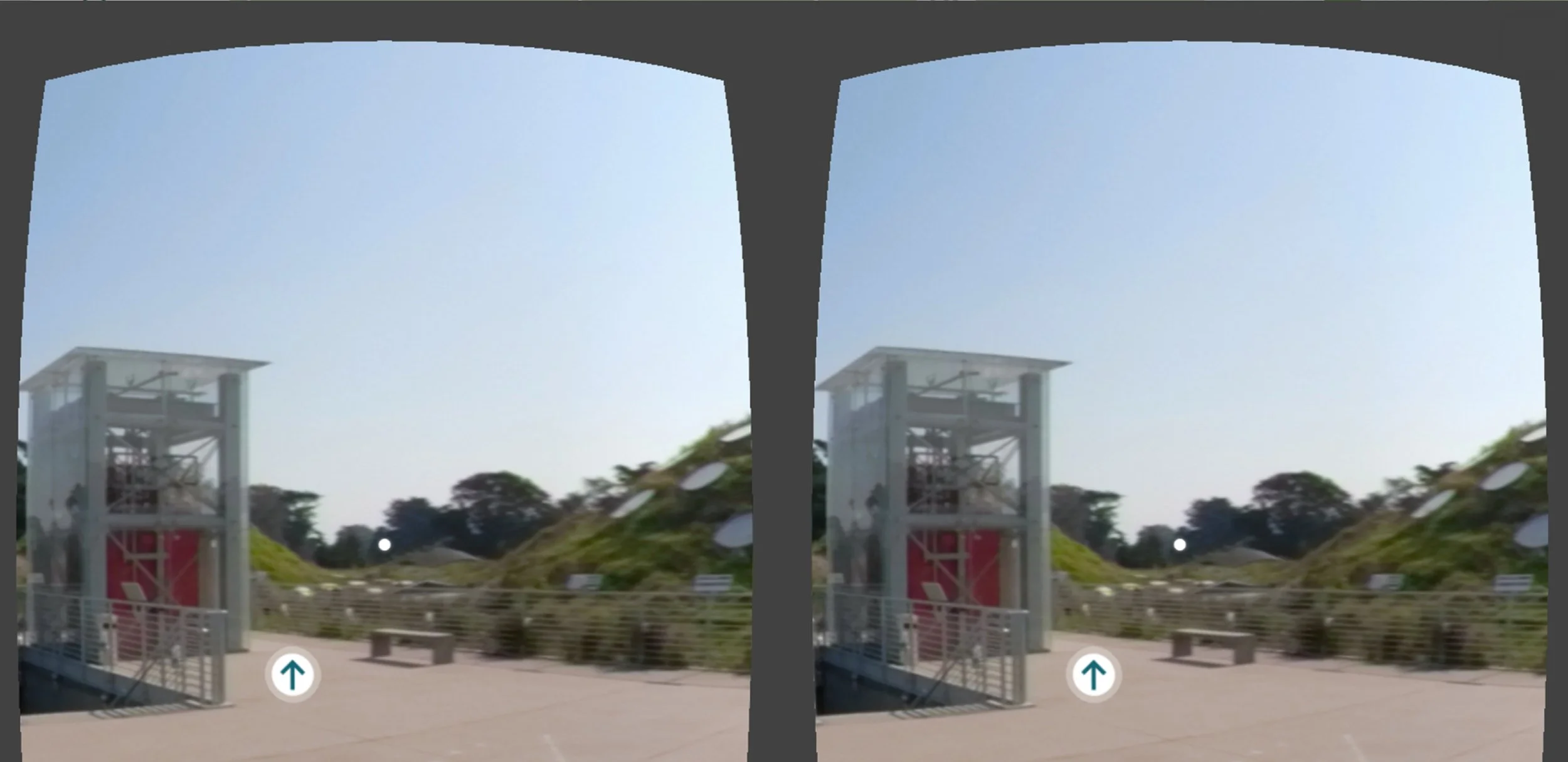
Stereoscopic view separates the L and R eyes for VR glasses, which creates the 360° experience.
Single lens view is the primary way visitors experience this content for web and mobile viewers.
Examples of AR Experience
-
![]()
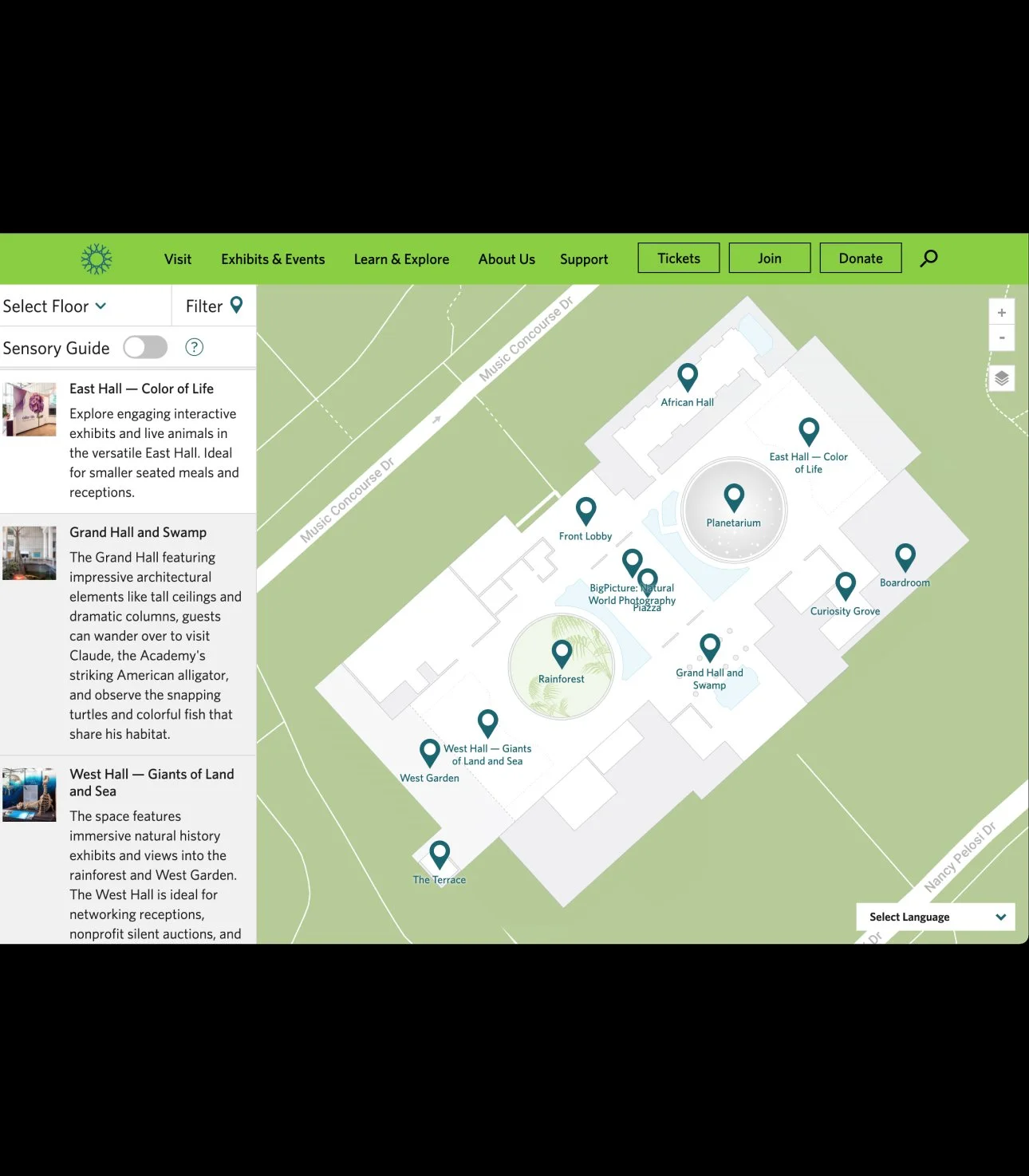
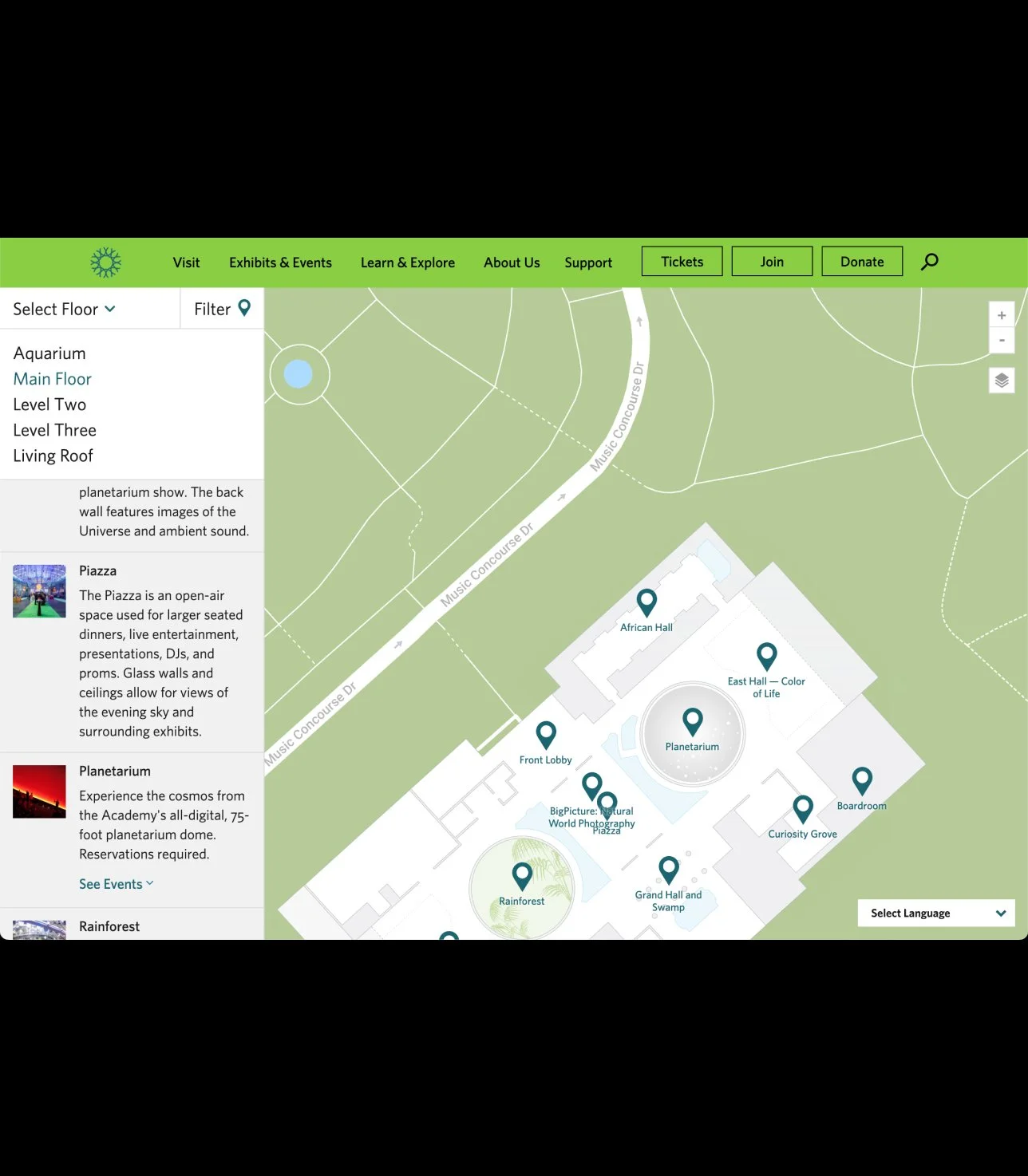
1. Home screen - Pins on the map indicate rooms with 360° views. The list view on the left includes descriptions of the spaces.
-
![]()
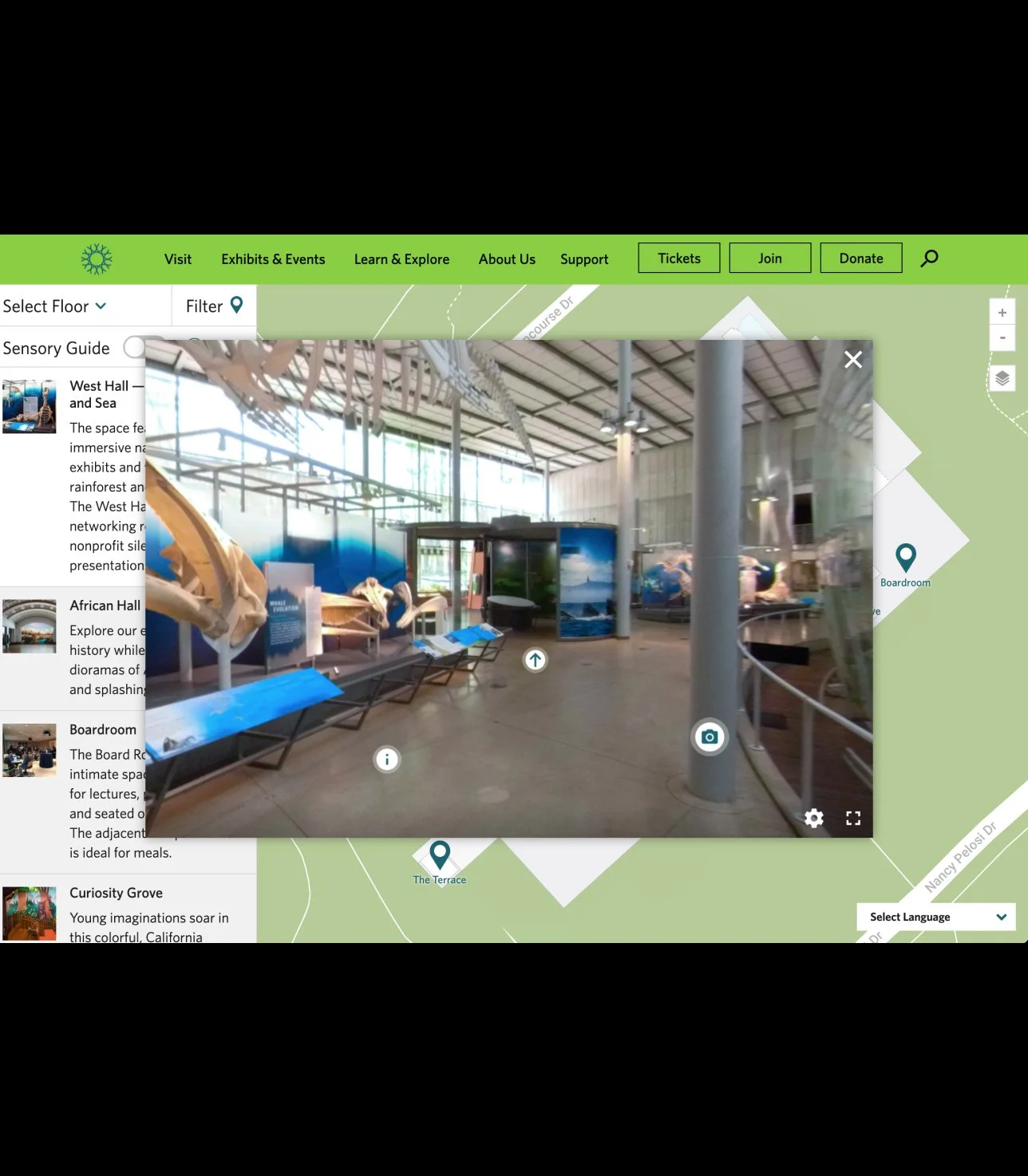
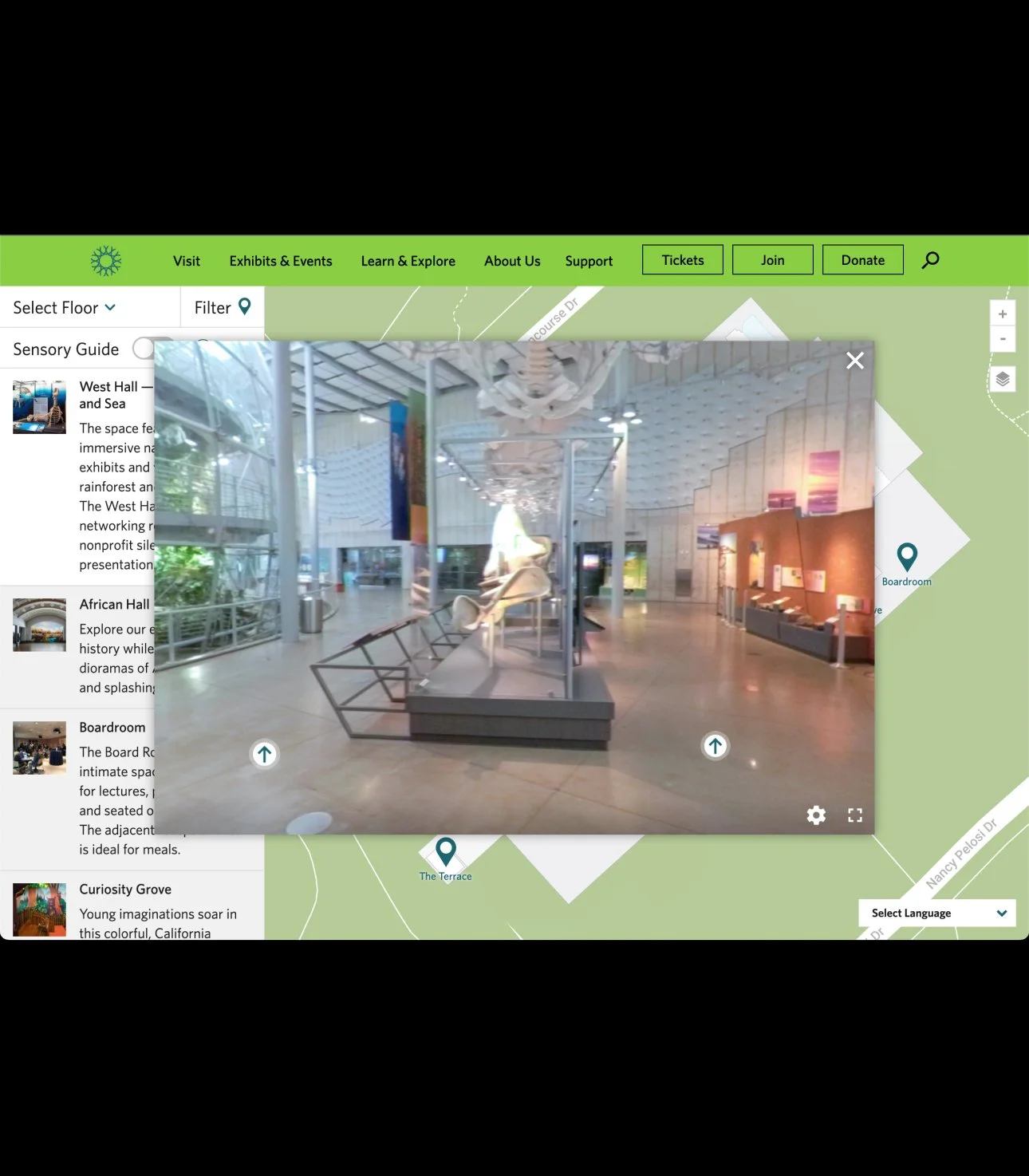
2. Pin selected and open 360° view. Included in each expanded pin are info buttons, photo buttons with example events, and arrow buttons used for navigating around a room for alternative views.
-
![]()
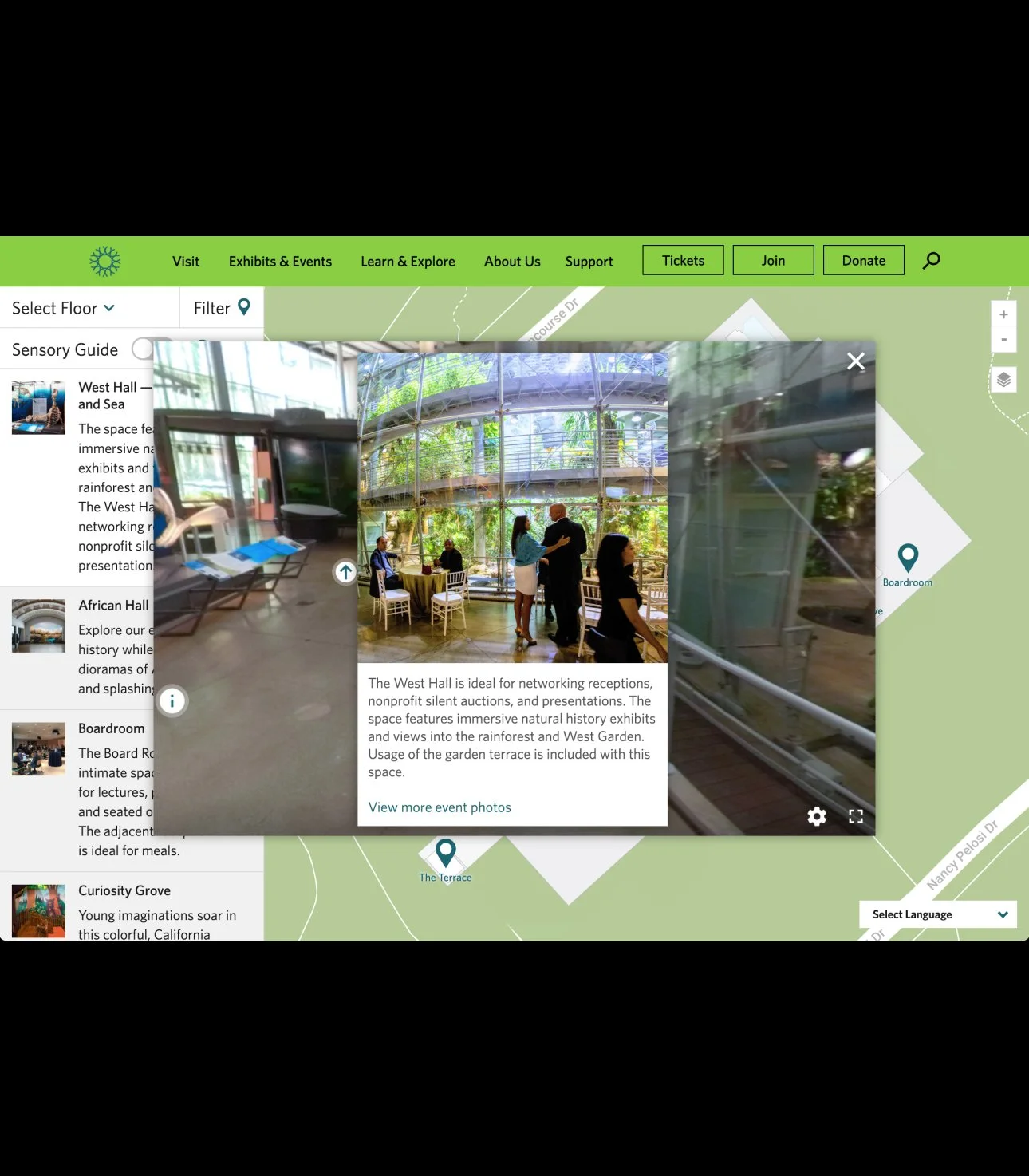
3. Expanded photo button. Includes a link to view more images.
-
![]()
4. Expanded info button with information including capacity.
-
![]()
5. Arrow buttons allow for moving around a room for a more complete view of each space.
-
![]()
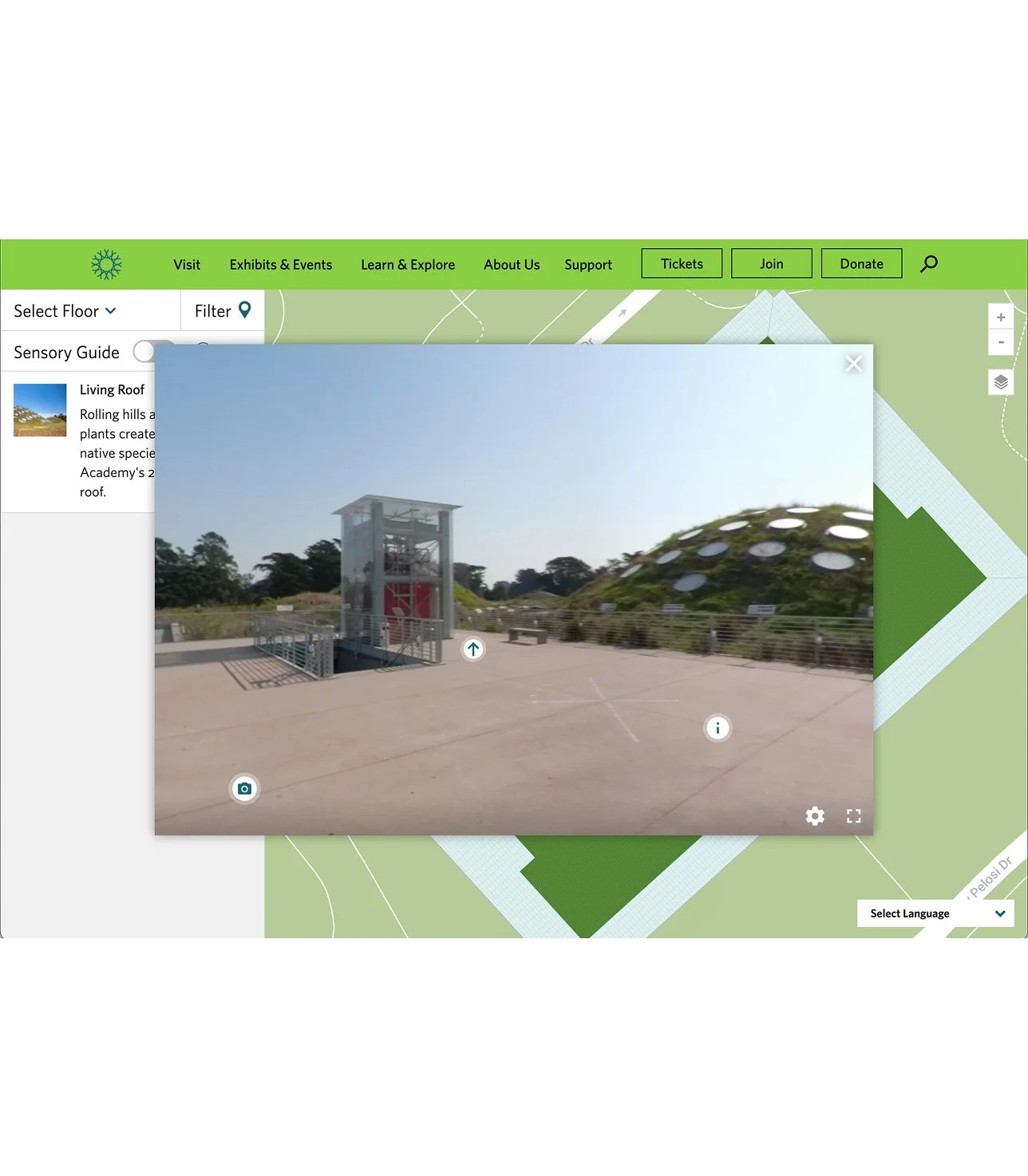
6. Navigation, with the dropdown in the top left. visitors can switch map to view other museum floors. The building occupies four museum floors and a living roof.
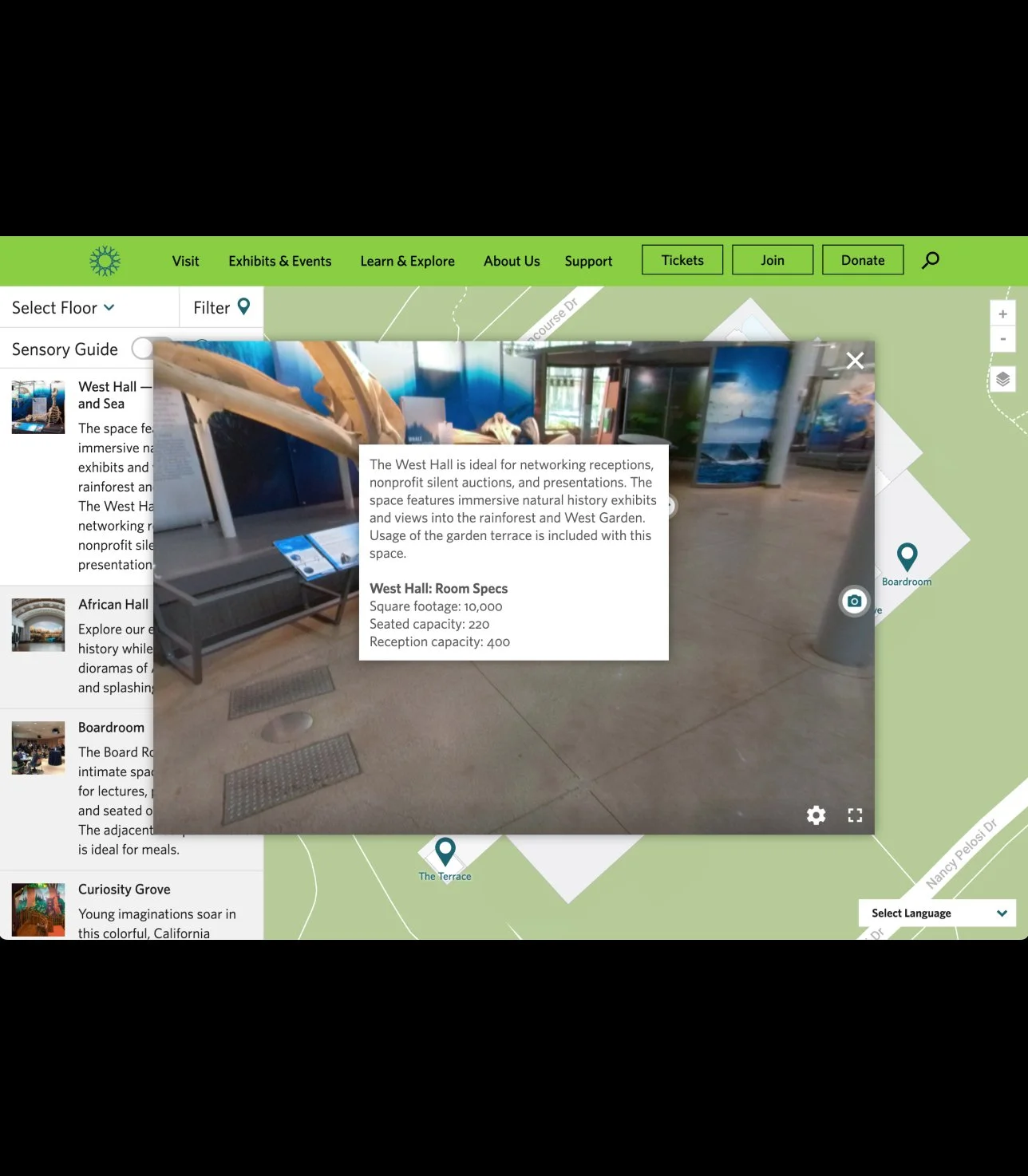
Navigation
Changing the map view and navigating between 360° room views
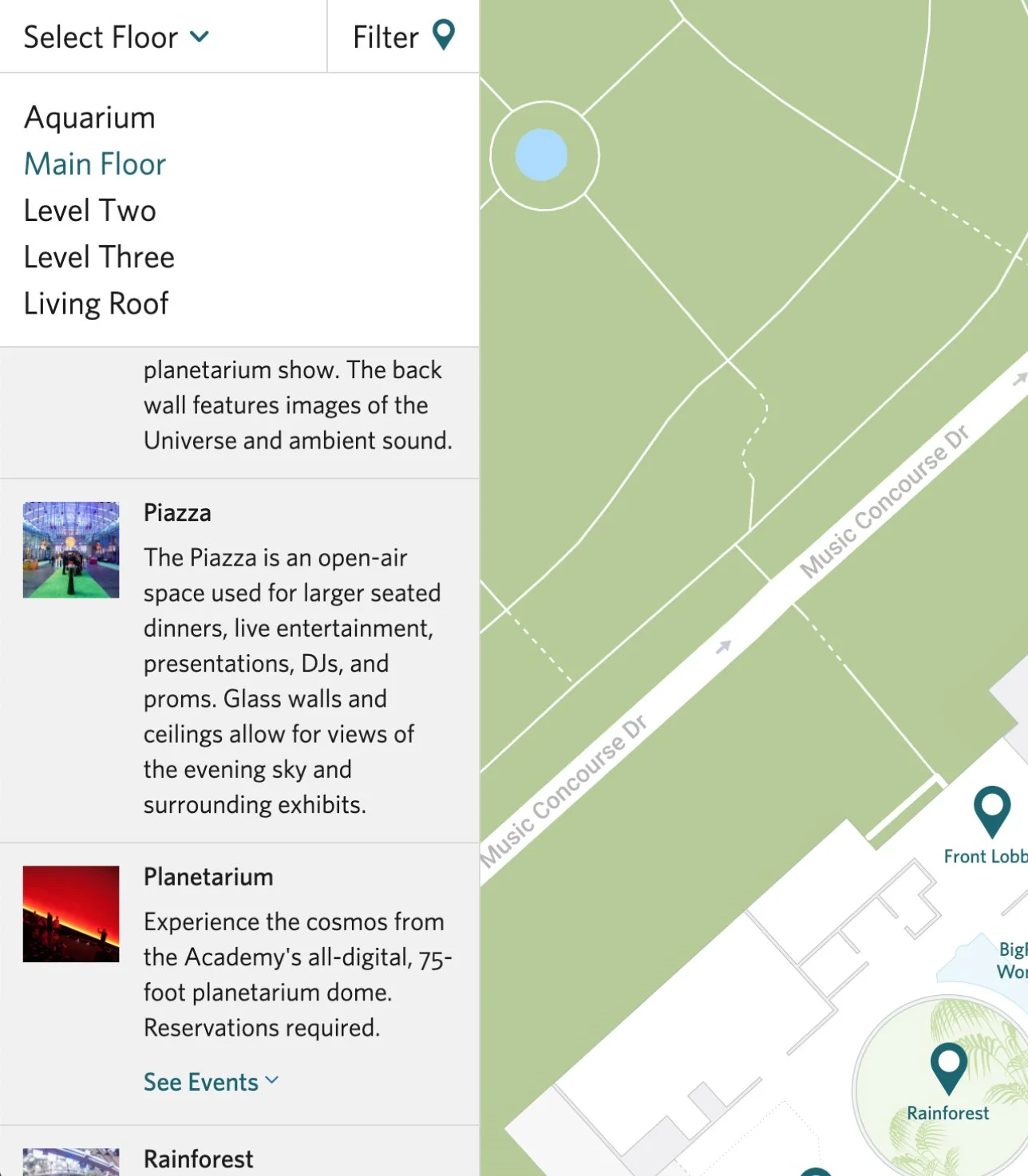
The menu to select museum spaces on the 5 floors of the building. The list includes descriptions of the spaces and a pTeal pins on the map also open room views.
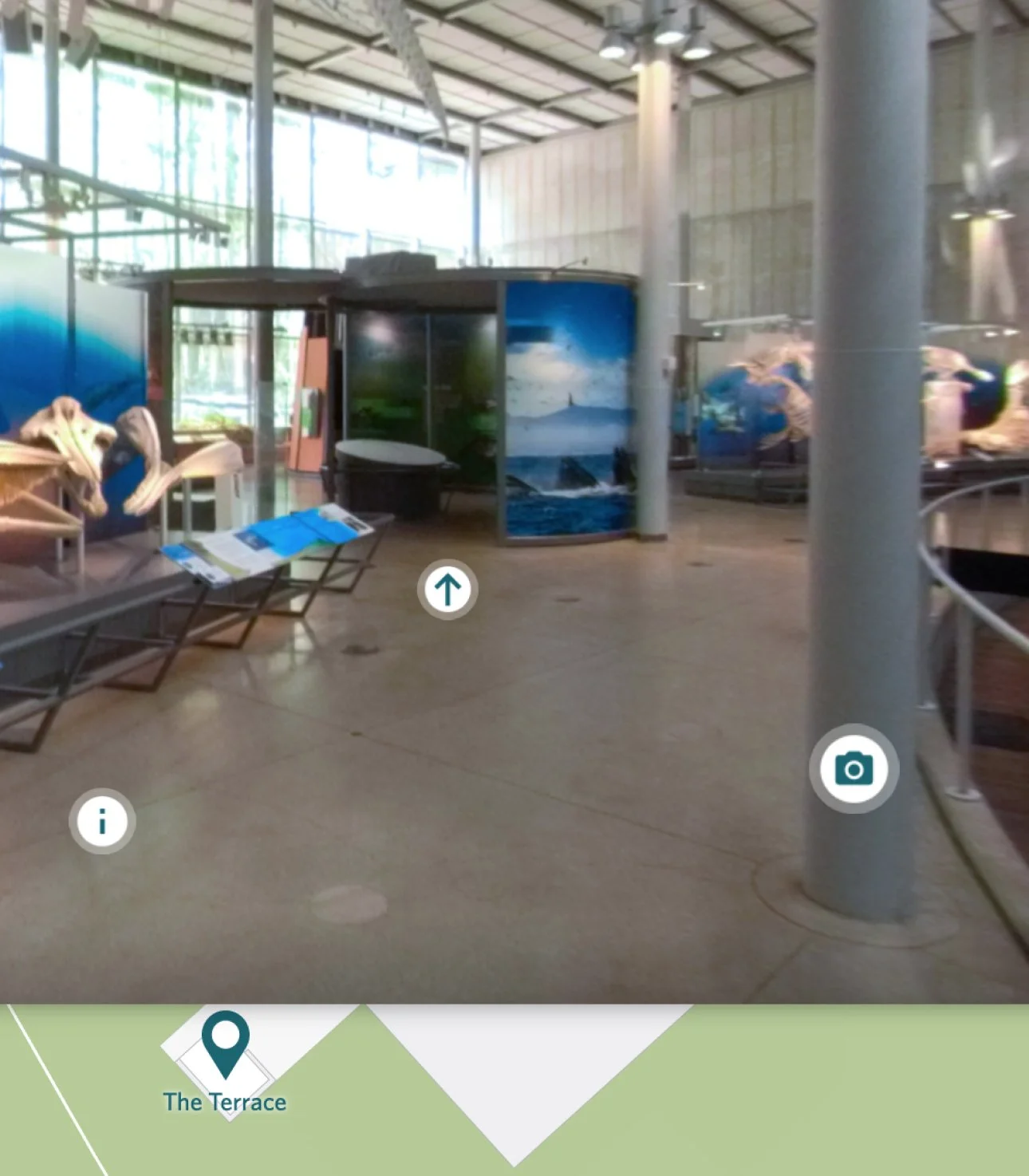
After selecting a space and a 360° photo is opened, to change the POV in the room visitors select one of the arrow buttons placed in the 360° room.
Process of developing this tool
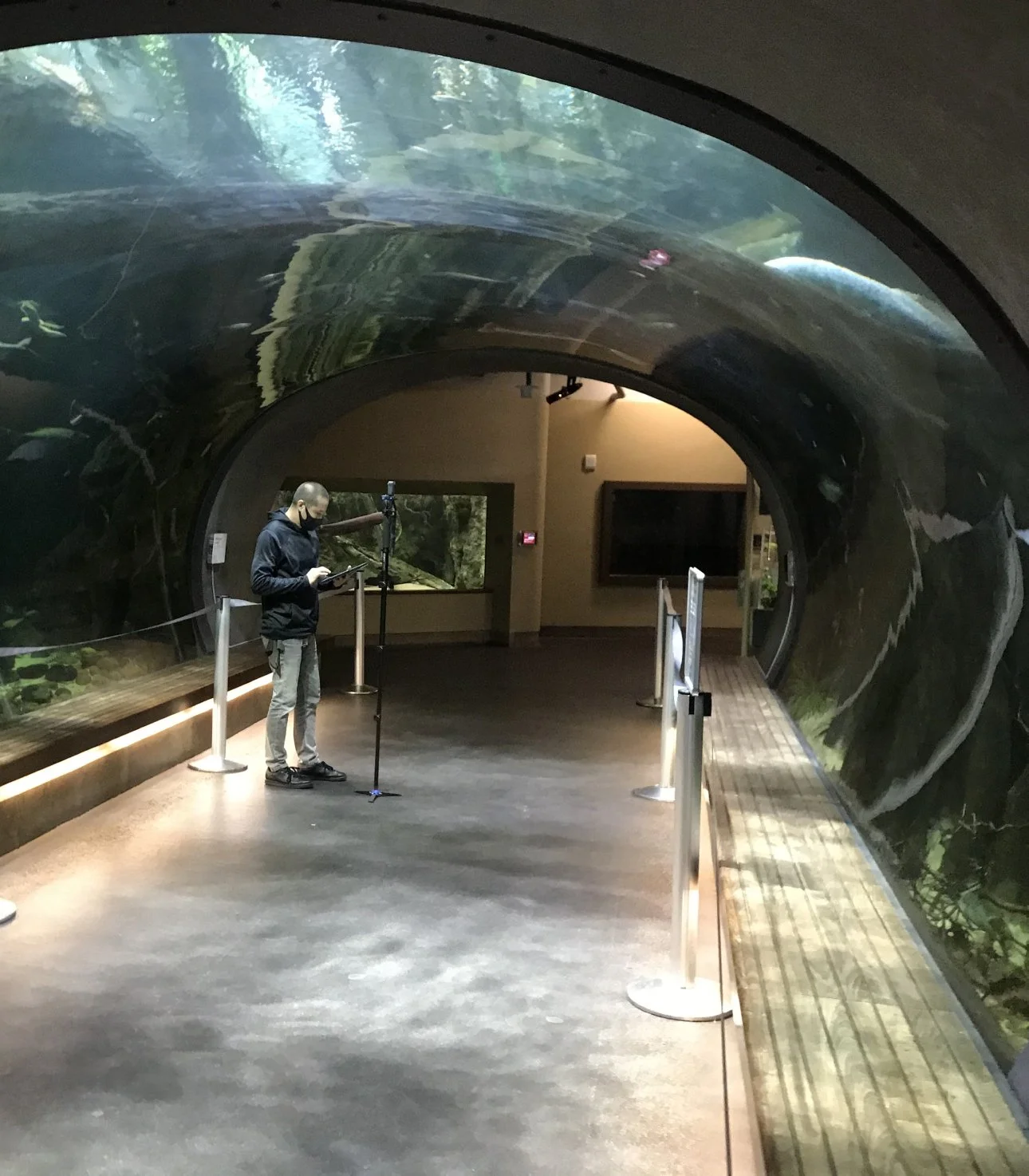
Behind the scenes view of the team setting up the 360 camera while the museum was closed to visitors. Image placement aimed to best capture the amount of space to set up tables and events.
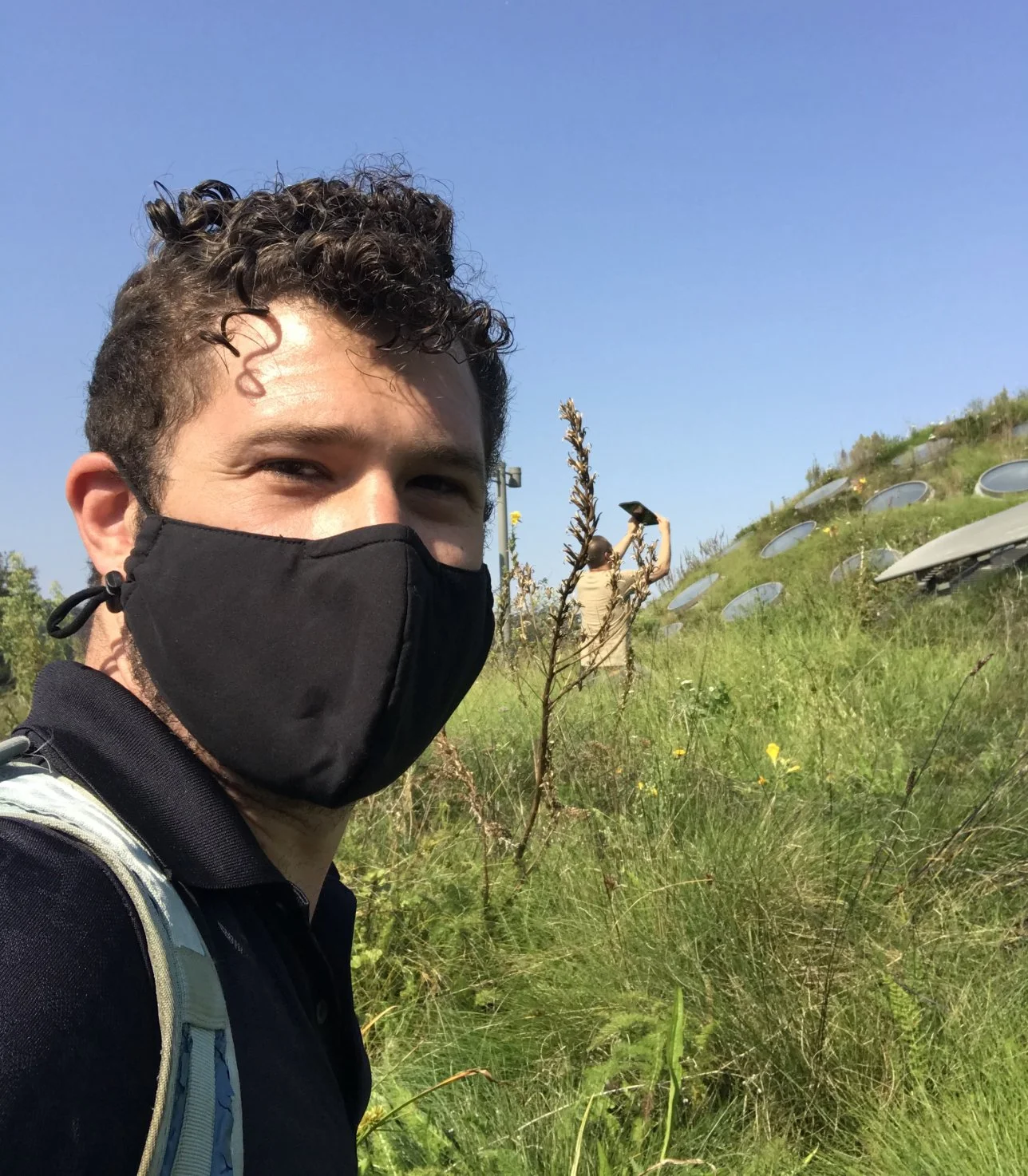
Selfie during the photo session capturing all the 360° images. We photographed every public room inside the building, we also included getting access to the living roof.
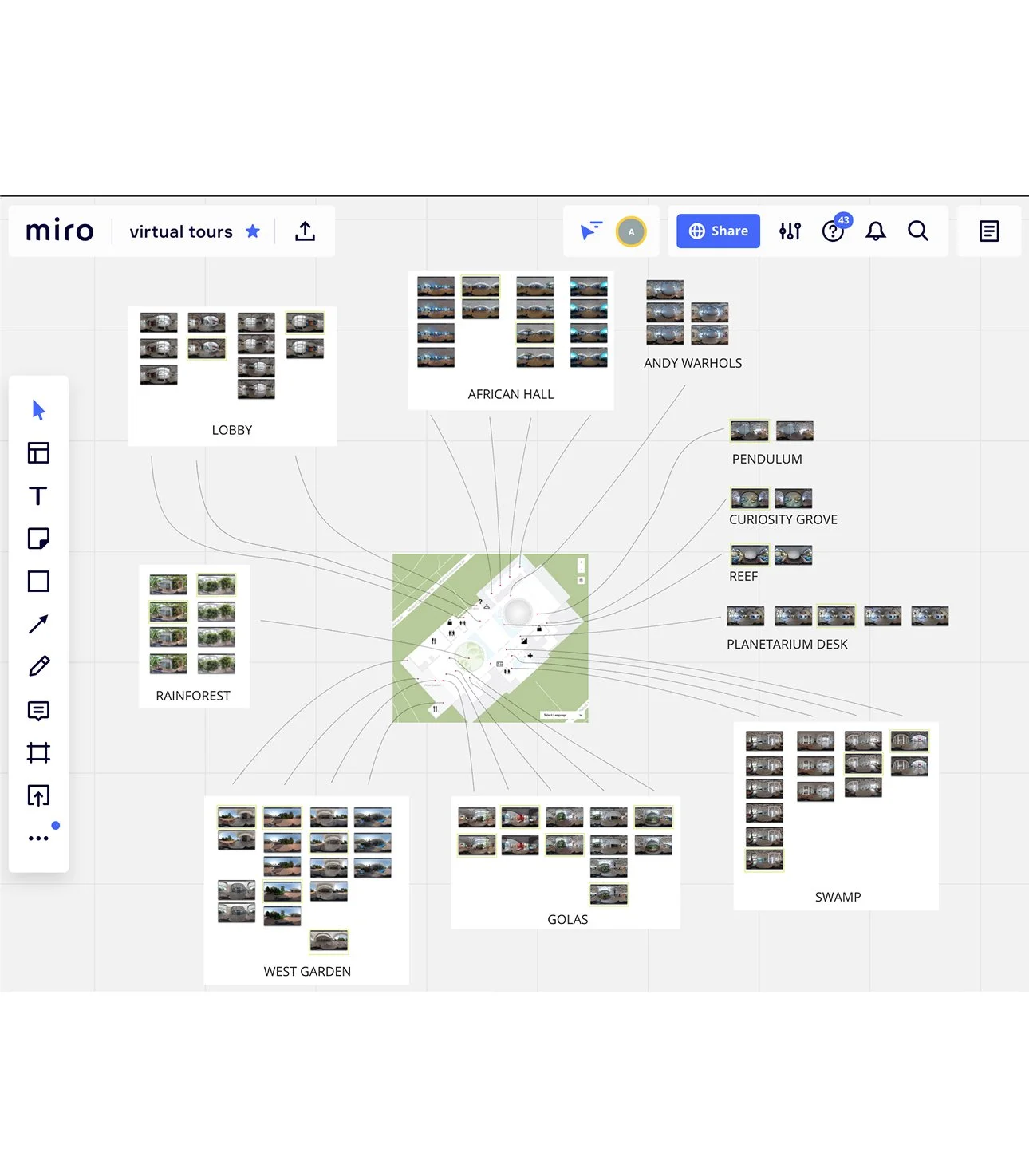
View of Miro board organizing all of the captured 360° images with the placement on the map.
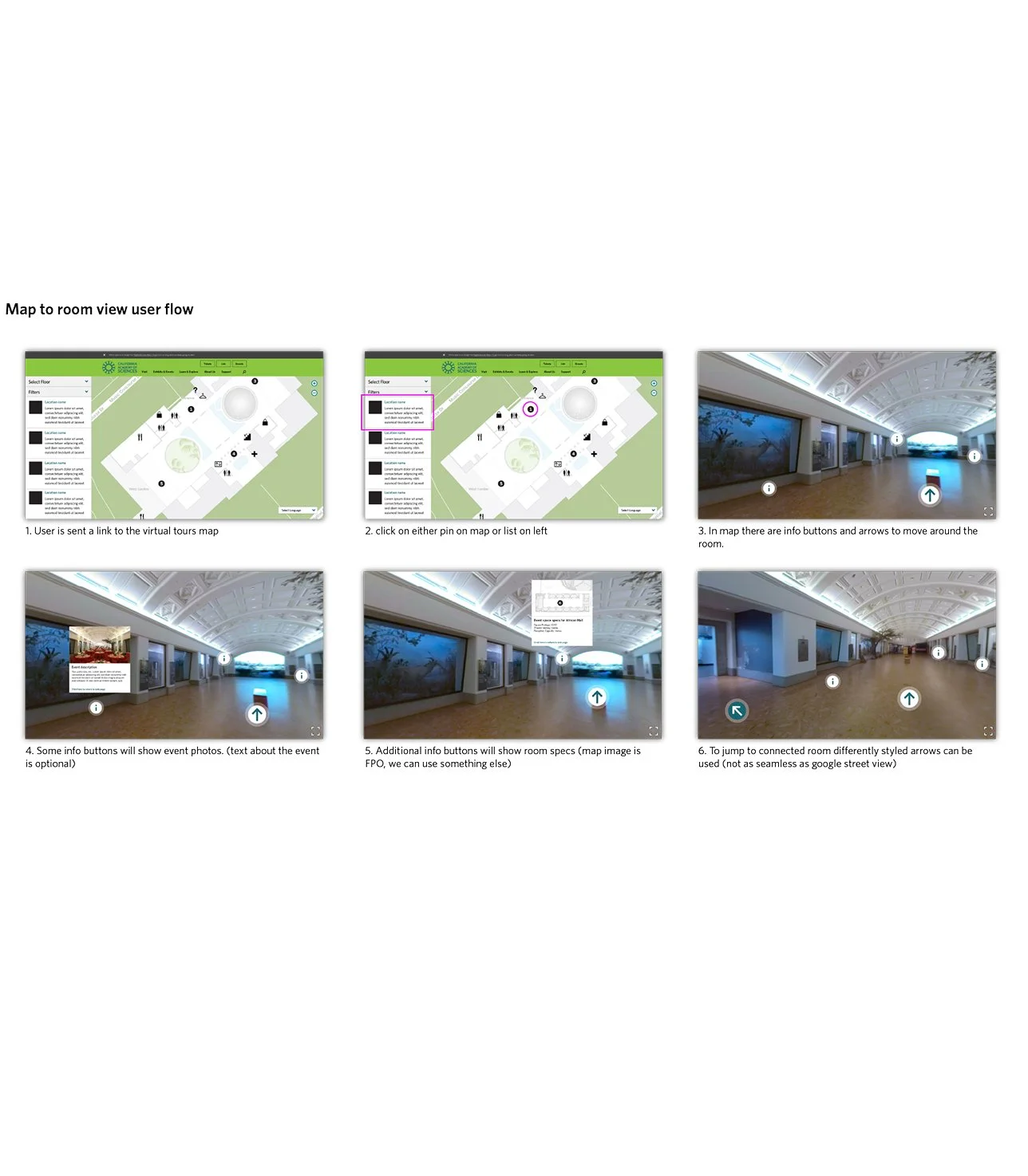
Storyboard documenting the user flow moving from the map view to detail views.
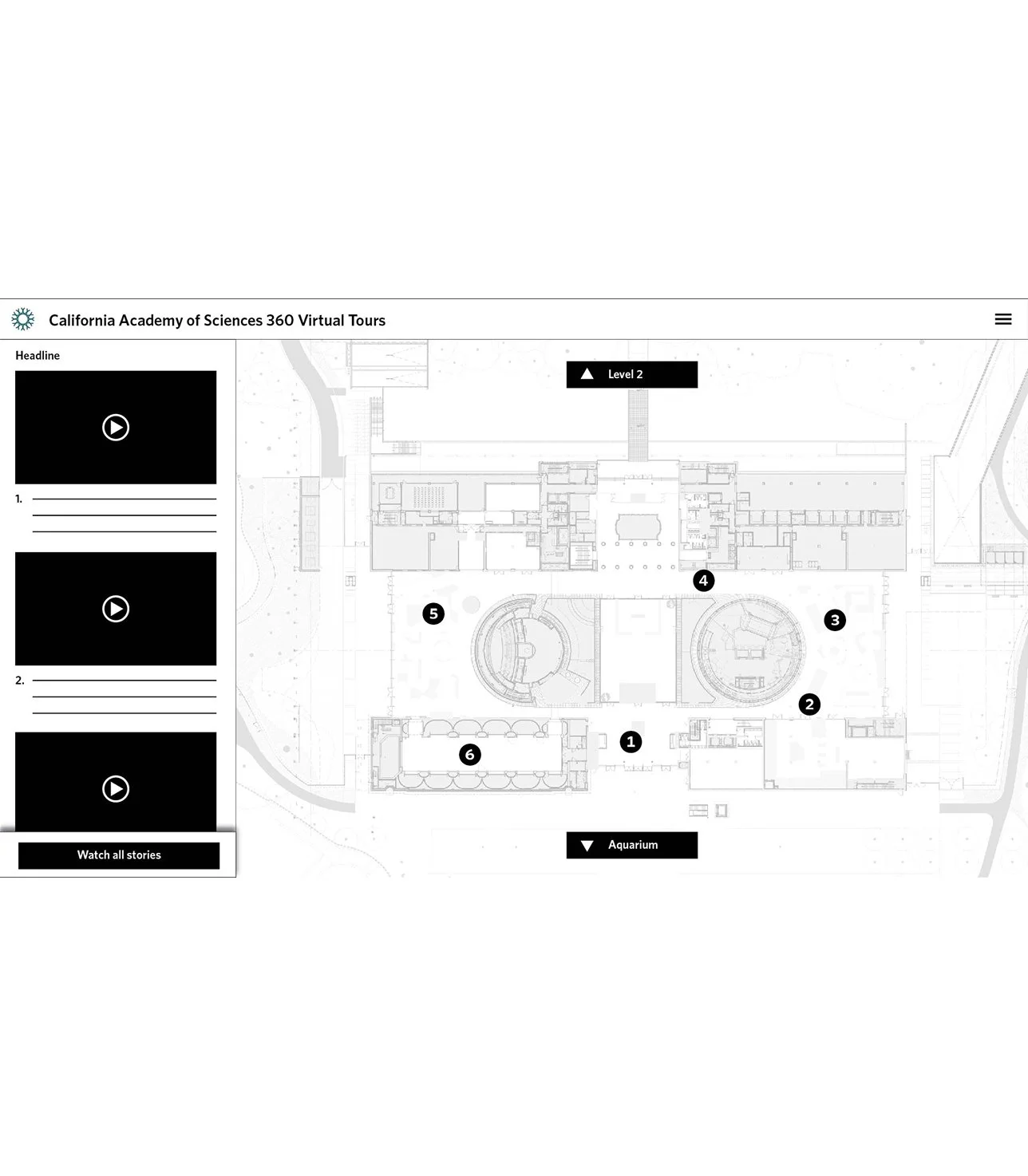
Mockup for organizing the map view and the list view, along with navigating between floors.
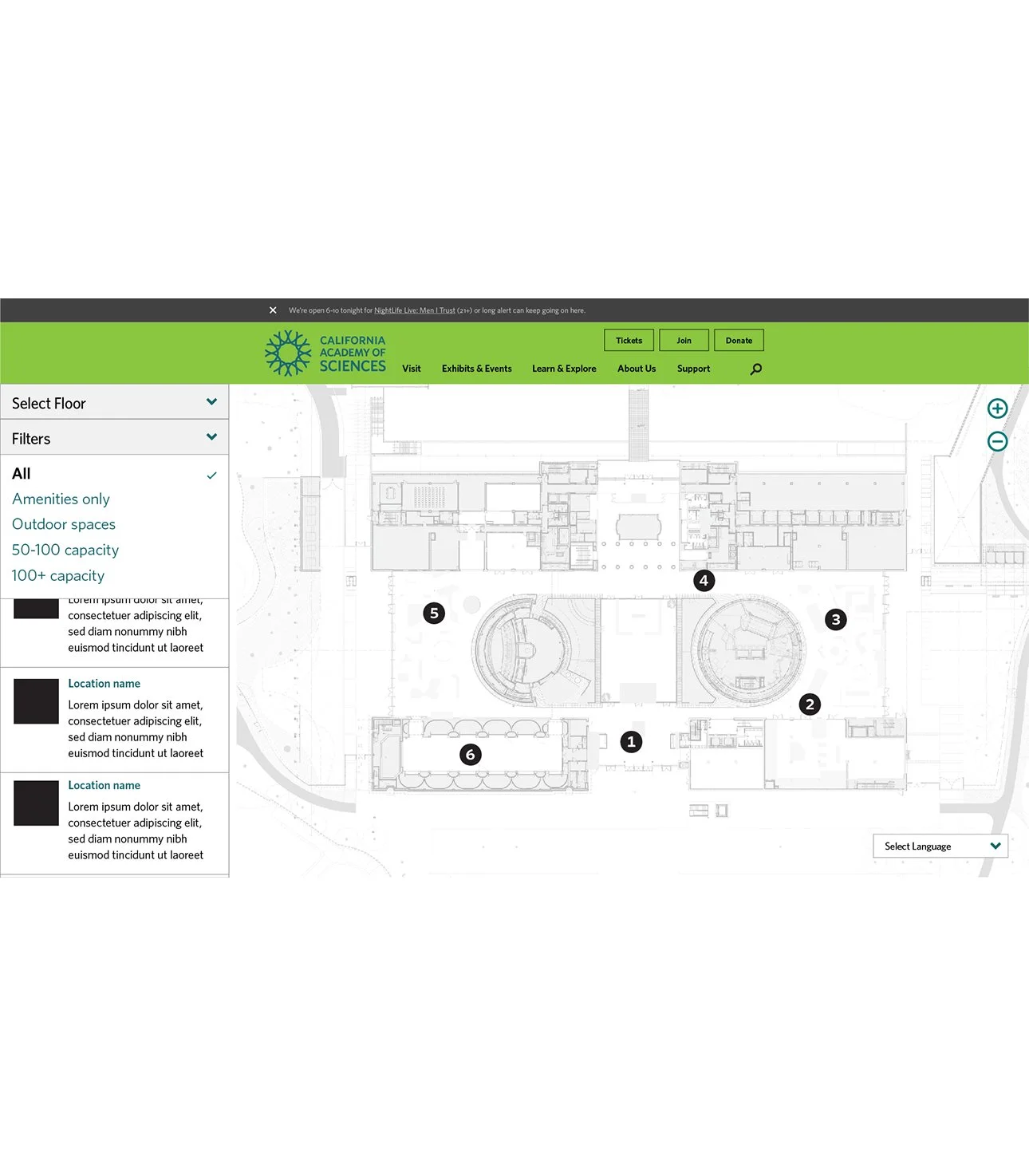
Mockup utilizing the museum interactive map as a template.
The Team
Andrew Sawyer – UX, Visual Design & Strategy
Molly Michaelson – Producer
Nick Perez – Camera Operator & Post Production
Greg Rotter – Web Development
Nick Colin – Content